

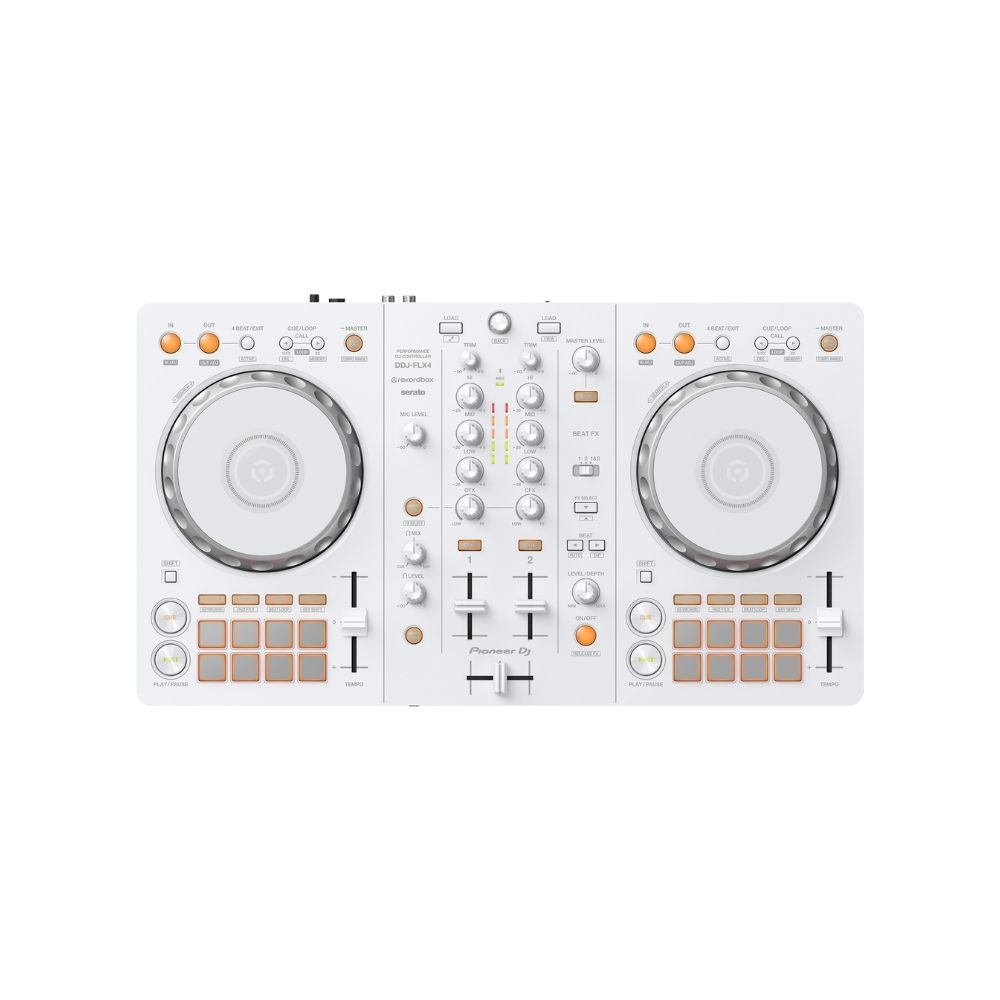
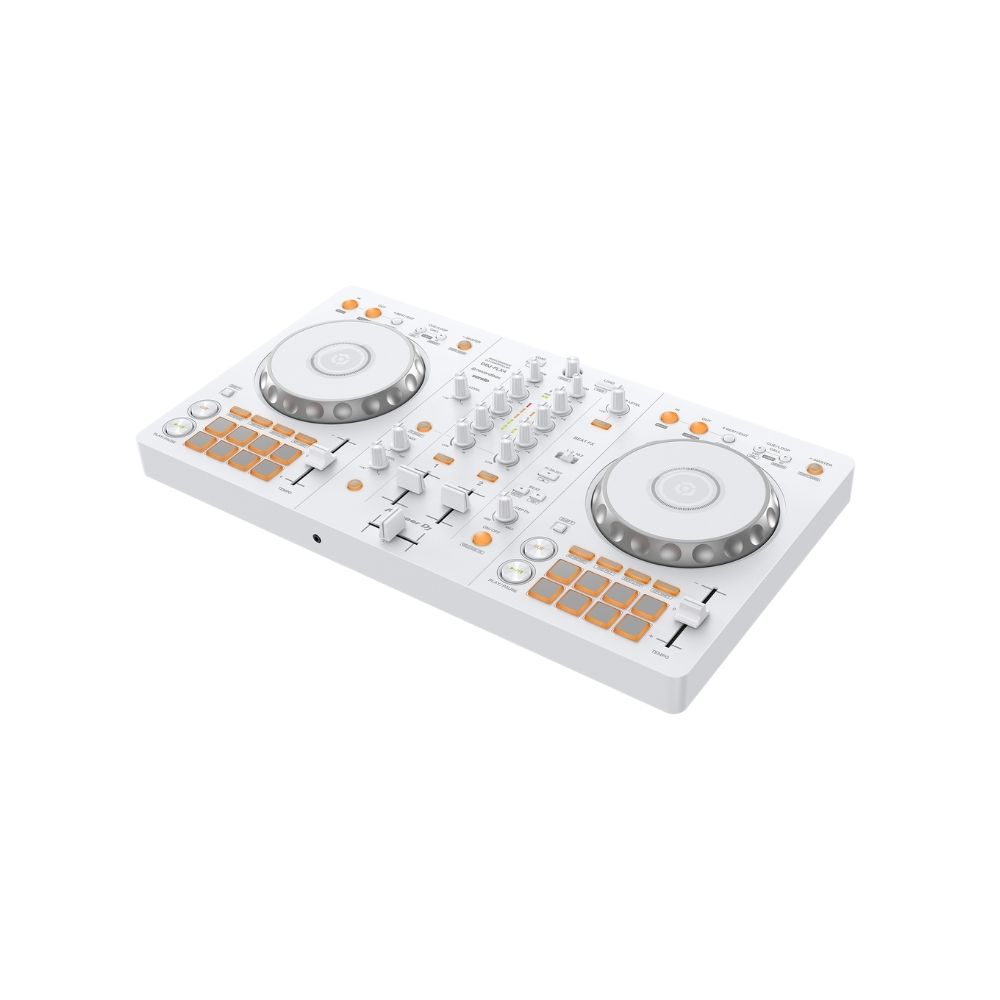
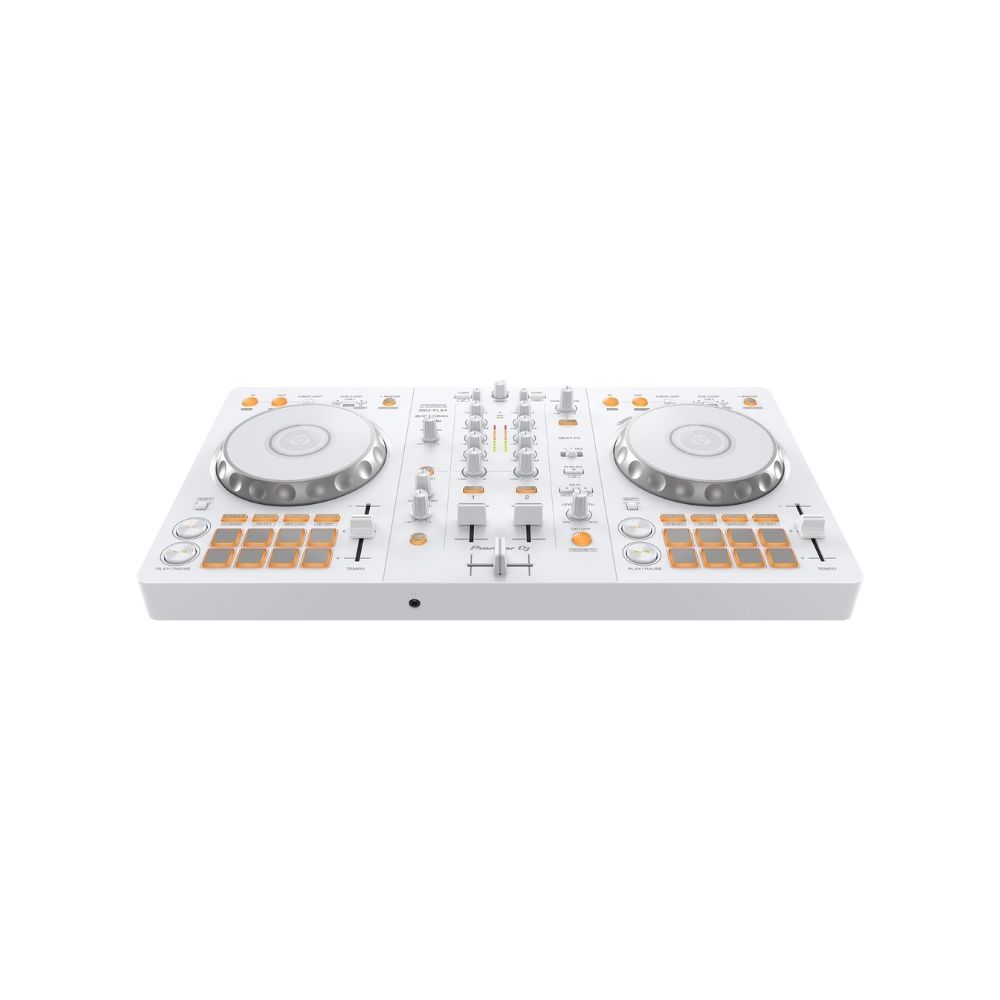
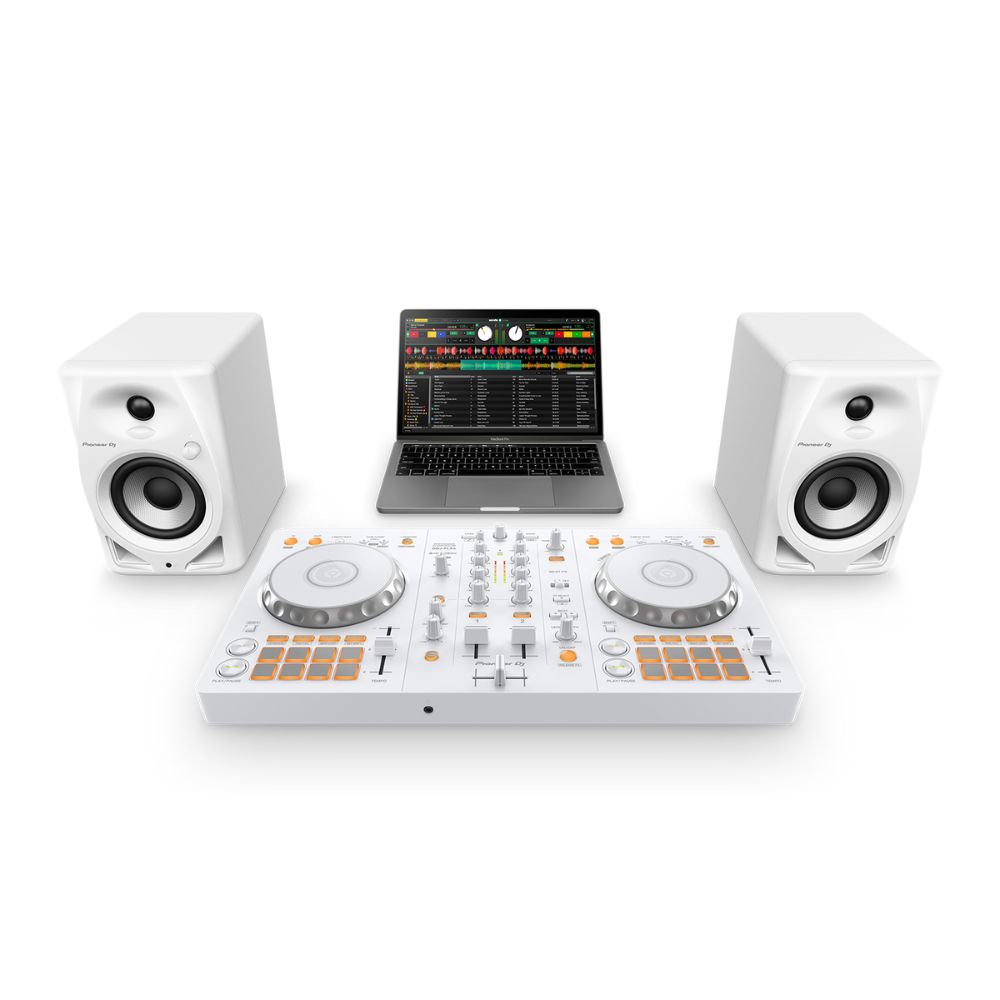
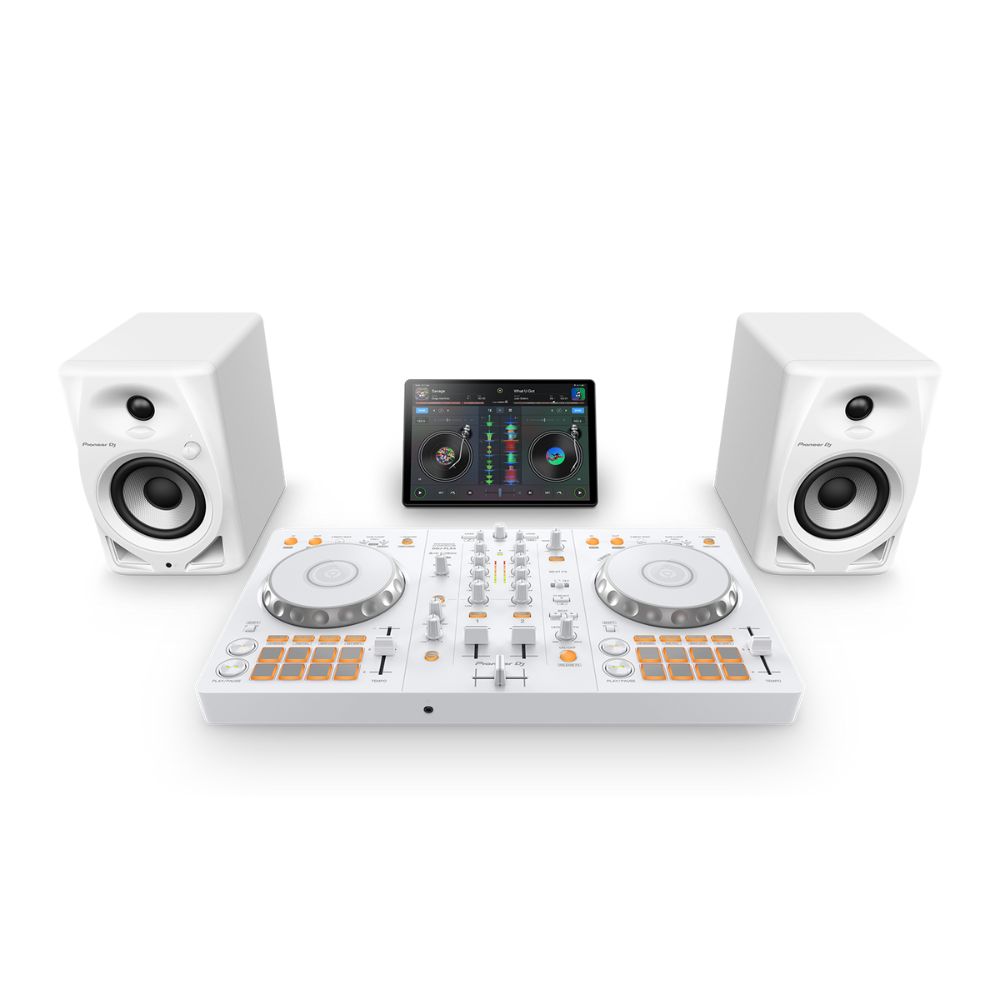
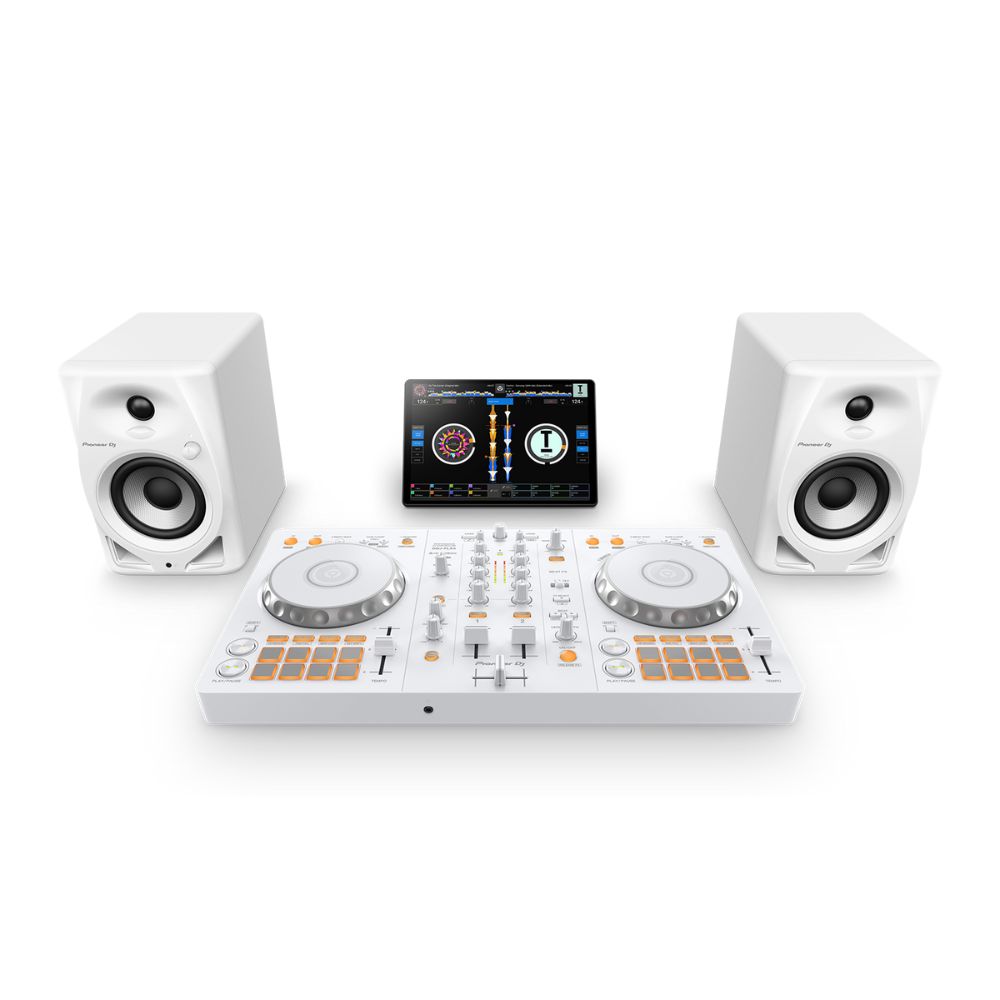
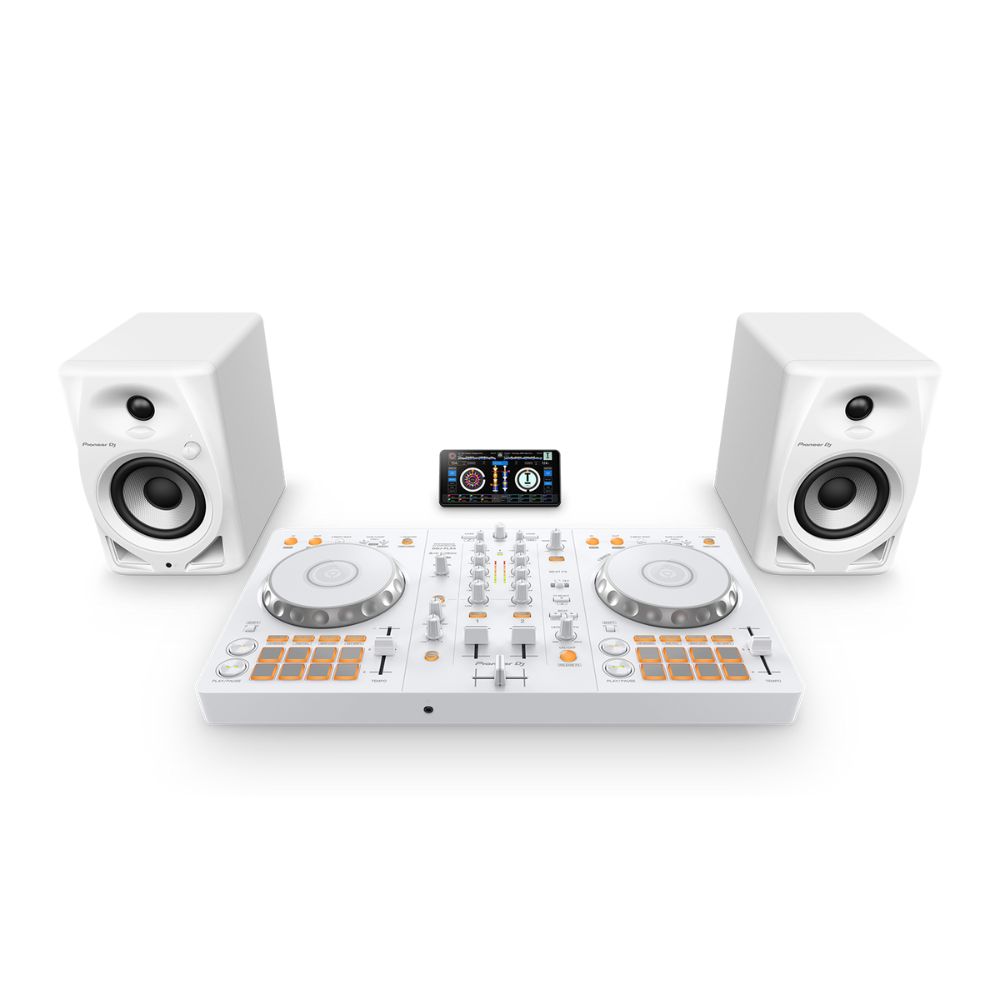
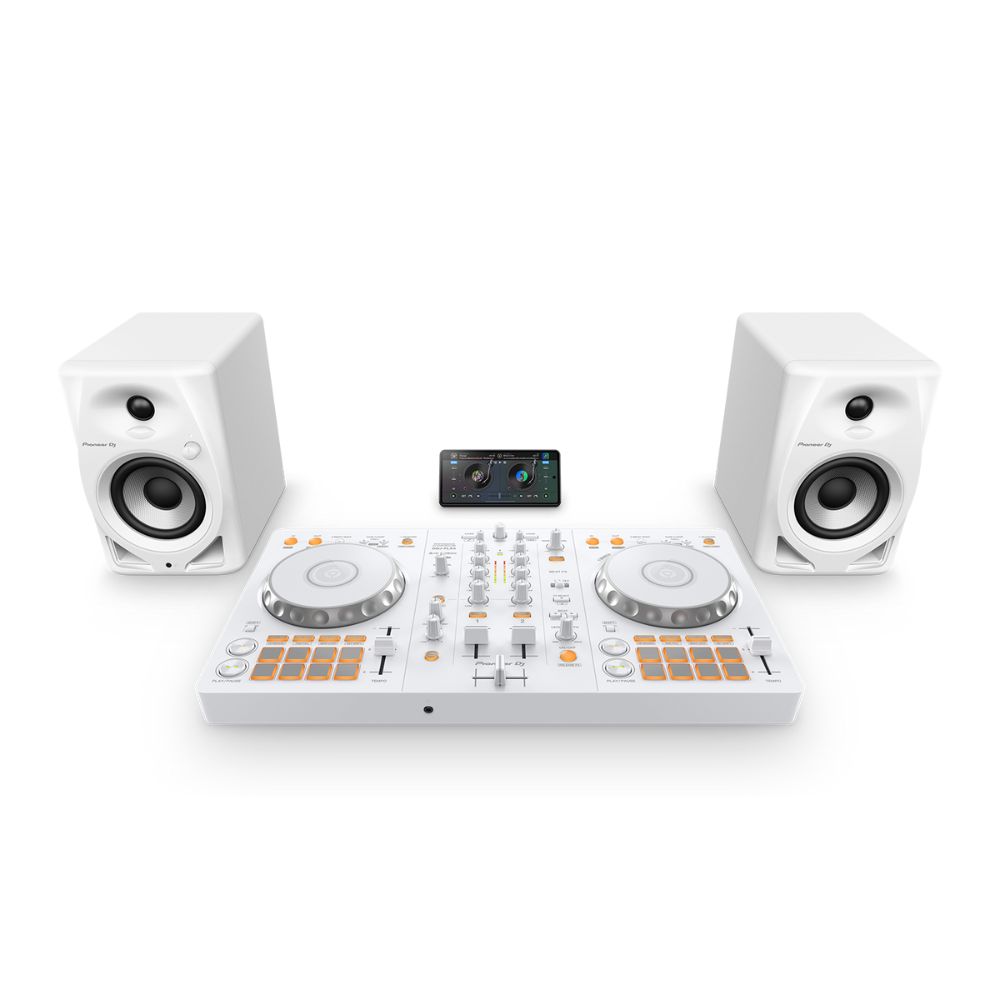
Pioneer DJ DDJ-FLX4-W White 2-Channel DJ Controller
Brand :
In stock
12-month warranty · Silent Noise support
Covers defects in materials and workmanship. Normal wear, accidental or liquid damage, and misuse are not covered.
Need help? Send your order number, product name and a description of the issue to our team.
Get product or warranty help Coverage detailsHow it works
Select BillEase as your payment method at checkout, then review your available plan and total repayment amount before confirming.
Expert advice for your setup
Need help choosing? Tell us what you want to do and what you already use. Our team can help you find the right product, check compatibility and choose the accessories you actually need.
Talk to the Silent Noise team → (opens Facebook in a new tab)Your first mix. In white.
Mix two songs with real jog wheels, knobs and faders. The DDJ-FLX4-W brings the FLX4’s beginner-friendly controls to a white finish, with Smart Mixing to help you learn smooth transitions.
Use rekordbox on PC or Mac without a paid plan for essential mixing. USB-C to USB-C cable included.
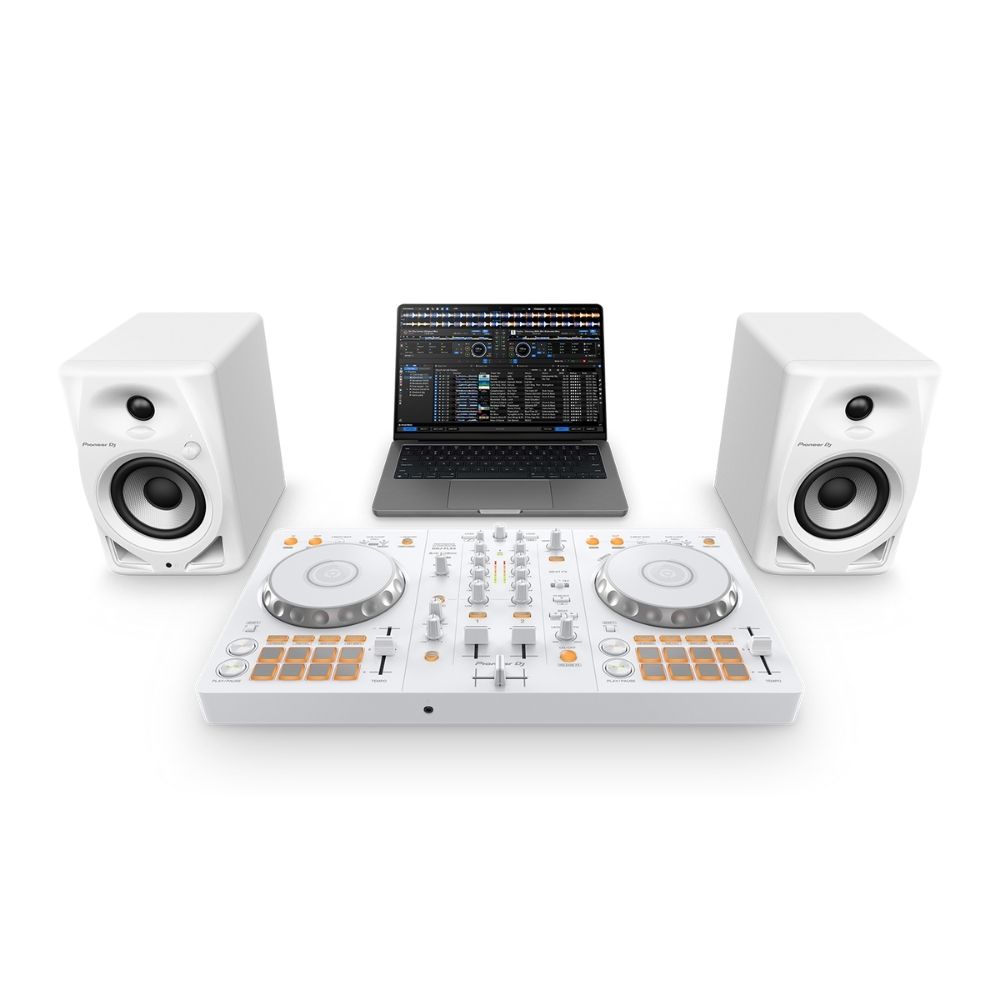
Bring a compatible laptop, music and wired headphones. Speakers are optional for room sound.
2 in stock
Compatible accessories
Optional extras. Use wired headphones you already own if they have a suitable connection. A USB-C to USB-C cable is included; another cable is only needed for a different laptop socket or as a spare.


Delivery calculated at checkout.
Questions? Contact us on Facebook (opens Facebook in a new tab)YOUR FIRST DJ SETUP · WHITE EDITION
Make the music you love
your first mix.
Listen to the next song in your headphones. Match it to the track playing out loud. Bring it into the mix. The DDJ-FLX4-W gives you hands-on controls for learning at home, with room to develop your own style.
Start with your laptop.
Install rekordbox on a compatible PC or Mac. Connect with the included USB-C cable. A USB-A laptop needs a suitable USB-A to USB-C data cable.
Pick your first tracks.
Use music files supported by your DJ app. Streaming is optional and needs a supported subscription. No paid rekordbox plan is needed for essential mixing.
Hear what comes next.
Plug wired headphones into the FLX4 to preview a track before the audience hears it. Use your computer speakers with PC Master Out, or connect powered speakers for room sound.
LEARN THE CONTROLS
Two songs. One smooth mix.
Each deck controls one song. Use the centre mixer to blend their volume, adjust the bass and bring in the next track. This familiar Pioneer DJ layout helps you build skills you can take to more advanced gear.
SMART MIXING + PERFORMANCE PADS
A helping hand while you learn.
Smart Fader helps adjust tempo, volume and bass as you move the fader. Smart CFX combines effects with one knob. Eight pads on each deck let you jump to a favourite part of a song or trigger samples. Available functions depend on your DJ app.
YOUR FIRST SETUP
Start with your laptop. Add room sound later.
Install rekordbox on a compatible PC or Mac and connect the included USB-C cable. Wired headphones let you preview the next track privately. You can use computer speakers with rekordbox PC Master Out, or connect powered speakers to the RCA master output with a suitable audio cable.
MORE WAYS TO PLAY
Take your mix to a phone or tablet.
The FLX4-W also works with supported iPhone, iPad and Android devices using a compatible DJ app. Mobile setups need suitable separate USB power and the correct device cable. Choose a USB device connection to use the controller’s headphone and speaker outputs.
The essentials
| Channels | 2 |
|---|---|
| Finish | White |
| Dimensions (W × D × H) | 482 × 272.8 × 59.2 mm |
| Weight | 2.1 kg |
| Compatible software | rekordbox (Mac/Windows and iOS/Android); Serato DJ Lite; Traktor Play; djay |
| Supported devices | PC, Mac, iPhone, iPad and Android smartphones/tablets |
| Smart mixing | Smart Fader and Smart CFX |
| Performance controls | 8 Performance Pads per deck; Hot Cues, Pad FX, Beat Jump and sampler |
| Audio interface | Built-in sound card; 44.1 kHz / 48 kHz sampling; 16-bit A/D and 24-bit D/A |
| Microphone input | Microphone jack |
| Master output | Stereo RCA |
| Headphones output | Stereo headphone jack (3.5 mm) |
| USB ports | 2 USB-C ports: device connection and external power |
| Power | USB bus power from a compatible computer; suitable external USB power supply for phone/tablet use |
| Bluetooth | Bluetooth Low Energy for supported mobile connection |
Dimensions and weight refer to the controller itself, not the shipping package. Features vary by supported operating system, device and DJ application version.
In the box
- DDJ-FLX4-W DJ controller
- USB Type-C to USB Type-C cable
- Quick Start Guide
- Precautions for Use
- Serato flyer
Computer or mobile device, headphones, speakers, microphone and music are not included. Mobile use needs suitable separate USB power; additional cables depend on your device.
A few things to know.
Is the white FLX4 different from the black one?
The DDJ-FLX4-W offers the same core FLX4 mixing controls, connections and software compatibility in a white finish. Pick the colour you prefer; the two listings have their own price and stock.
What do I need to start?
You need a compatible PC or Mac, a DJ app such as rekordbox, music and wired headphones. The supplied USB-C to USB-C cable connects a USB-C laptop and powers the controller. For a USB-A laptop, use a suitable USB-A to USB-C data cable. You can hear the mix through your computer speakers with PC Master Out, or add powered speakers and an RCA audio cable. The laptop, headphones, speakers and music are not included.
Do I need to pay for DJ software?
You can start on PC or Mac with rekordbox, Serato DJ Lite or Traktor Play without an additional software purchase. Connecting the FLX4 unlocks essential rekordbox performance controls. Optional paid features, Serato DJ Pro, djay Pro and music-streaming subscriptions cost extra. Check the current app requirements for your device.
Does the FLX4 work on its own?
No. The FLX4-W controls DJ software running on a compatible computer, phone or tablet. It does not play tracks directly from a USB stick and has no built-in speakers. For your first setup, we recommend a compatible laptop connected by USB.
Can I use a phone or tablet instead?
Yes, with a supported iPhone, iPad or Android device and compatible DJ app. You need a suitable separate USB power supply and the correct cable for your device. Use a USB device connection for audio from the FLX4’s headphone and speaker outputs. A Bluetooth connection controls the app but sends sound from the mobile device, not the FLX4 outputs.
Where do I get music to mix?
Load music files supported by your DJ app, or use a streaming service that the app supports in your country. Streaming requires the appropriate subscription and an internet connection; a normal streaming app on its own is not a DJ music library. Check your chosen app’s supported services before subscribing.
What support and warranty do I get?
Silent Noise provides a 12-month defect warranty, subject to our warranty terms. Contact our team with your order details for help. Free delivery applies to NCR orders of ₱10,000 or more after discounts; other delivery charges are shown at checkout.
Only logged in customers who have purchased this product may leave a review.
You may also like…


Related Products


Reviews
There are no reviews yet.