




Hercules DJControl Mix Ultra
Brand :
In stock
12-month warranty · Silent Noise support
Covers defects in materials and workmanship. Normal wear, accidental or liquid damage, and misuse are not covered.
Need help? Send your order number, product name and a description of the issue to our team.
Get product or warranty help Coverage detailsHow it works
Select BillEase as your payment method at checkout, then review your available plan and total repayment amount before confirming.
Expert advice for your setup
Need help choosing? Tell us what you want to do and what you already use. Our team can help you find the right product, check compatibility and choose the accessories you actually need.
Talk to the Silent Noise team → (opens Facebook in a new tab)PHONE & TABLET DJ CONTROLLER
Mix on your phone, with rechargeable freedom.
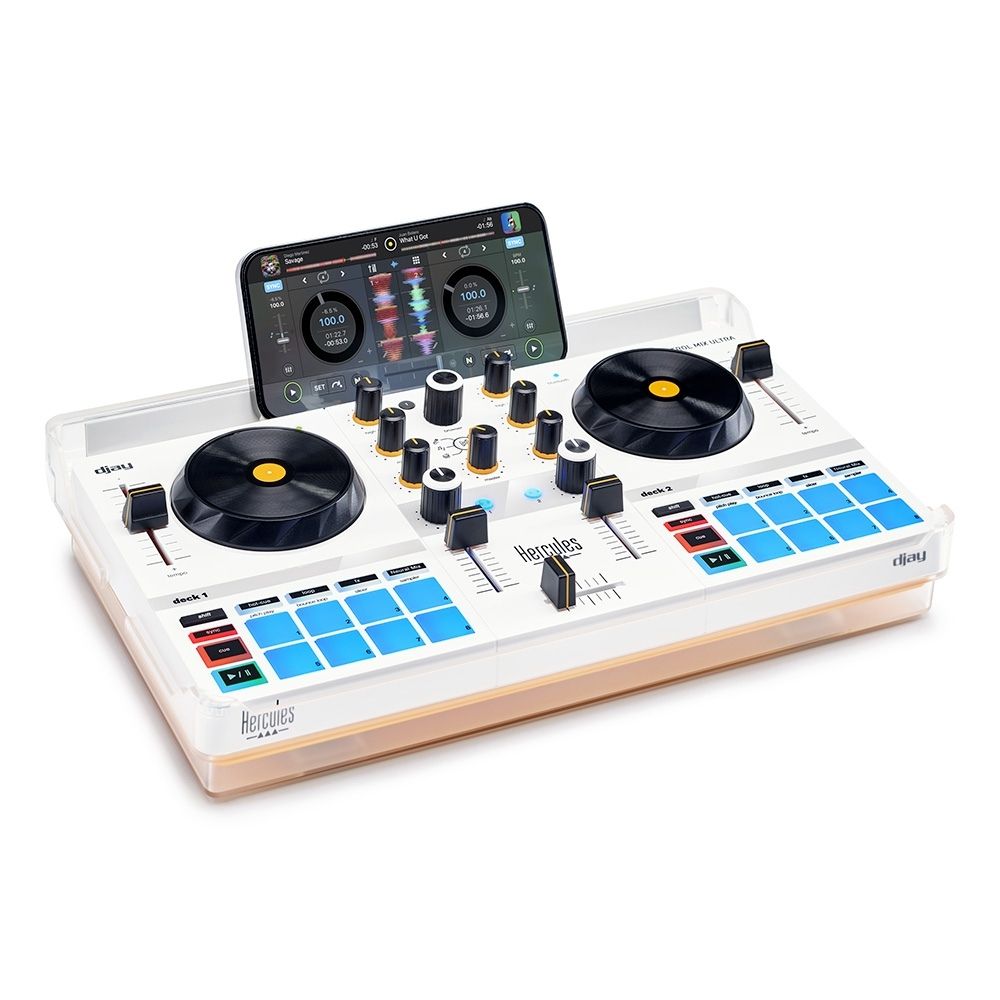
A compact 2-deck controller for the djay app on compatible iOS and Android devices. Bluetooth connects the controls to your device; the phone or tablet supplies the music and sound.
Includes a USB cable and DJ splitter. Unlocks Neural Mix in djay on supported devices.
Compatible phone/tablet required. Headphones, speakers and any phone audio adapter are separate.
Optional extras
Use headphones and speakers through your phone’s audio path. The DJ splitter is included; check whether your phone also needs an audio adapter.


Delivery calculated at checkout.
Questions? Contact us on Facebook (opens Facebook in a new tab)EXPLORE THE PHONE & TABLET DJ CONTROLLER
Your music library. A mix you can touch.
Keep the phone as your music source and put the controls under your fingers. This is for a mobile djay setup, so you do not need to turn it into a laptop system to start mixing.
PHONE DJING
Mix with physical controls instead of just a screen.
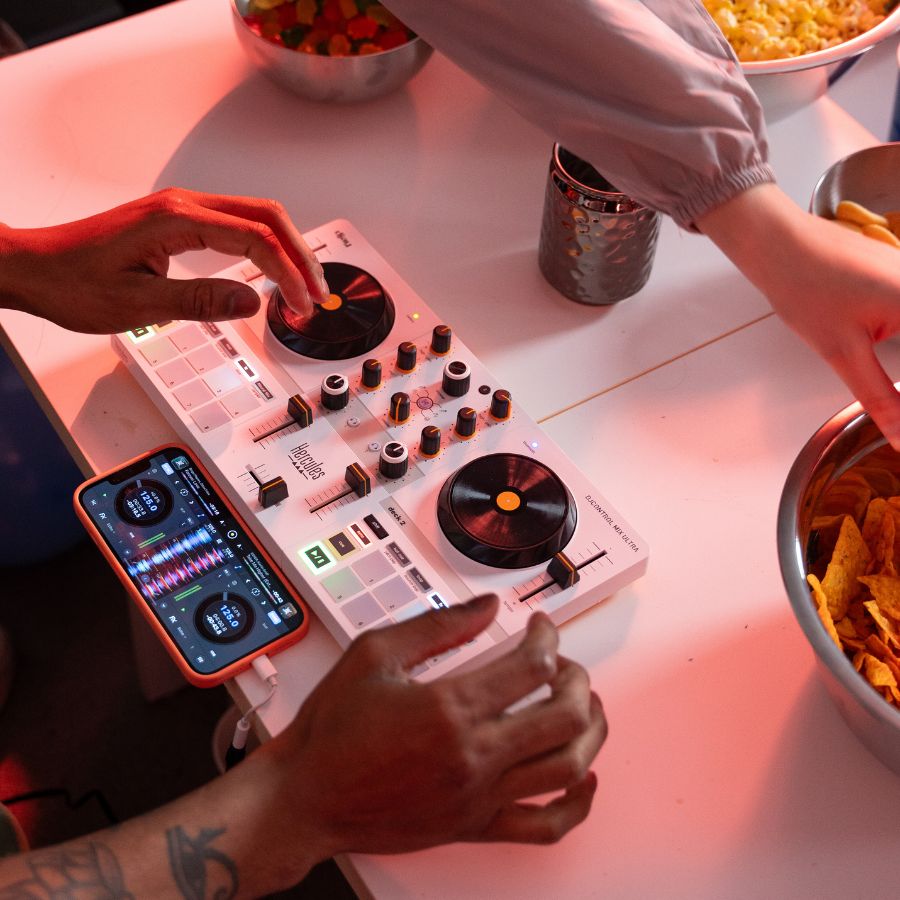
Pair the controller with a compatible iPhone, iPad or Android device running djay. The jog wheels, faders and pads control the app by Bluetooth. Your phone or tablet still runs the music and produces the audio.
YOUR LISTENING SETUP
Hear the next song before everyone else.
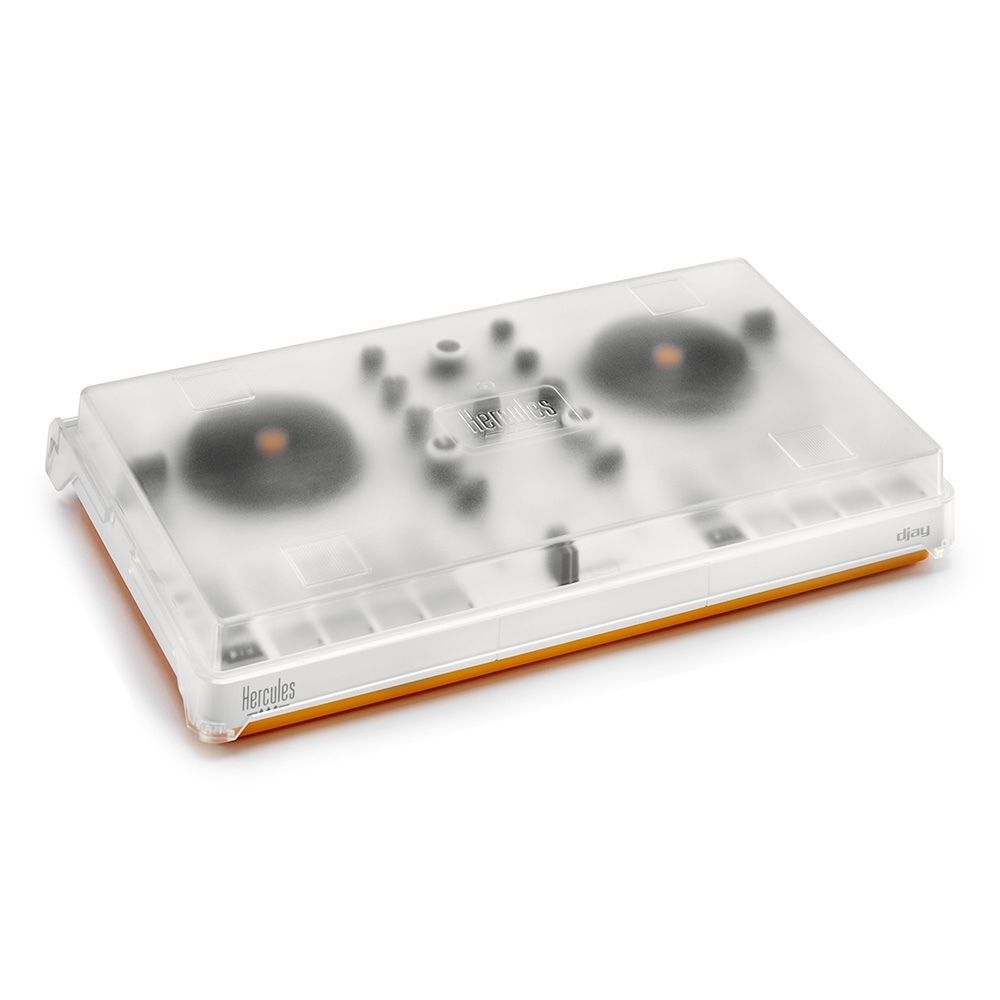
The included cover doubles as a phone stand. For private cueing, use the supplied DJ splitter with djay’s split-output setting and wired headphones/speakers. The audio connection is to your phone, not the controller; a compatible phone audio adapter may be needed.
TAKE IT WITH YOU
Rechargeable and ready to travel.
The built-in rechargeable battery keeps the controller portable. A USB charging cable, DJ splitter and protective cover/phone stand are included. Speakers and headphones are separate; Bluetooth control does not mean the controller contains a wireless speaker.
The essentials
| App | Algoriddim djay on compatible iOS / Android devices |
|---|---|
| Control connection | Bluetooth Low Energy |
| Audio output | From the phone or tablet |
| Power | Rechargeable battery · USB charging |
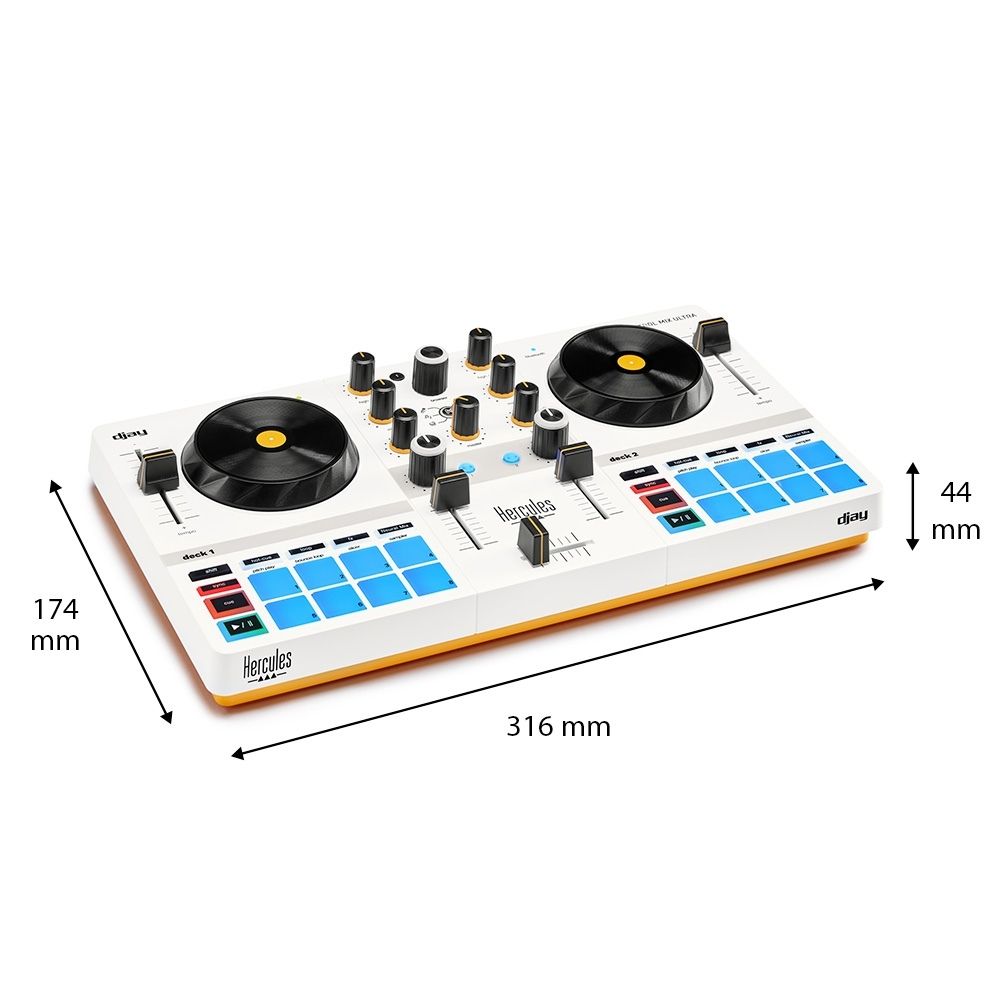
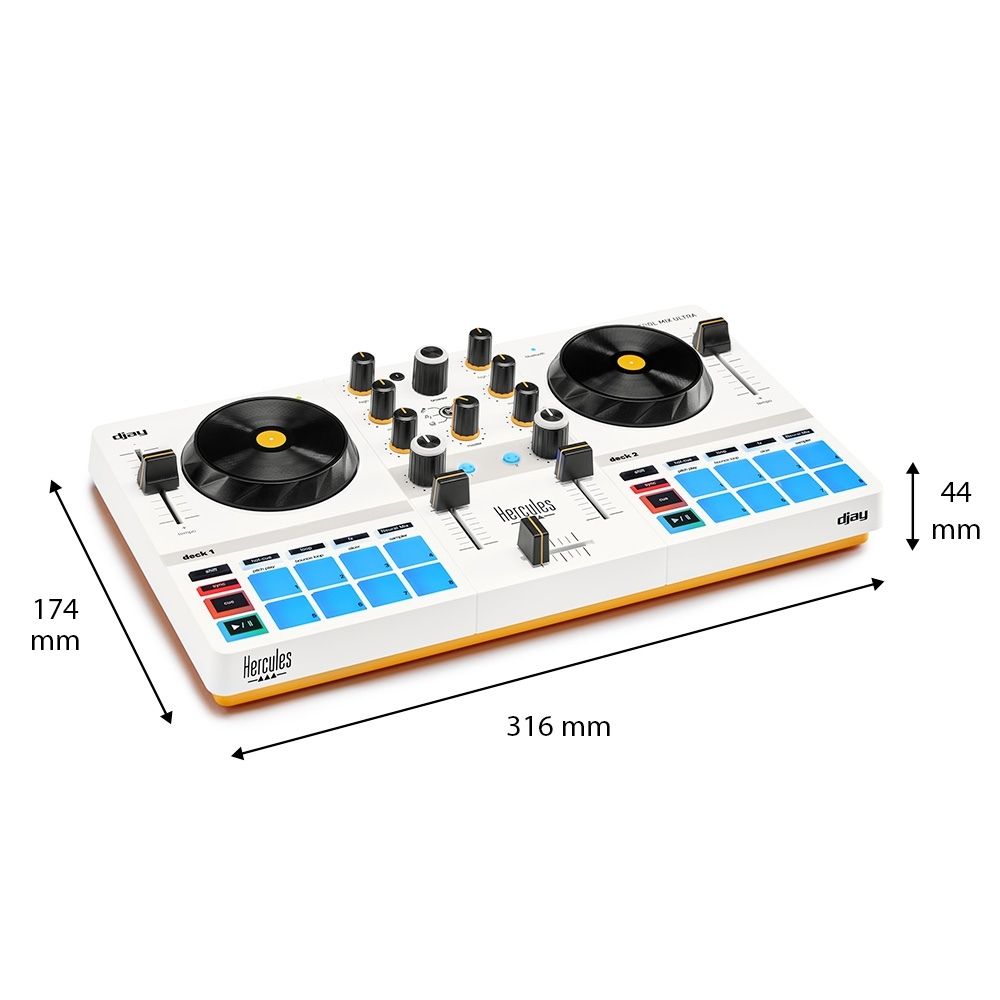
| Product dimensions | 31.5 × 17.4 × 4 cm |
Product measurements refer to the equipment, not the shipping package.
In the box
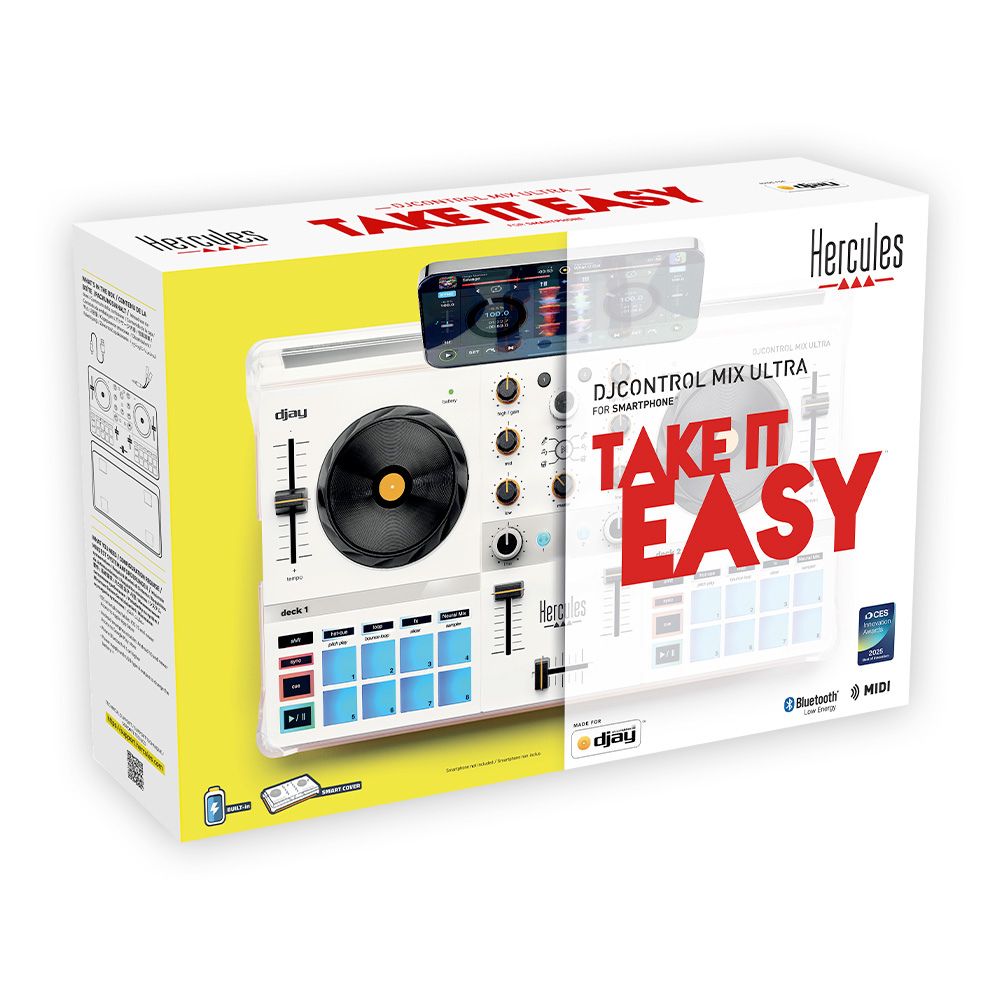
- DJControl Mix Ultra
- USB-A to USB-C cable
- DJ splitter cable
- Protective cover / phone stand
- Quick start guide
Compatible phone/tablet required. Headphones, speakers and any phone audio adapter are separate.
A few things to know.
Does it play music without a phone?
No. It controls djay running on a compatible phone or tablet. The mobile device runs the app and supplies the audio; the controller has no built-in speakers.
Does Bluetooth carry the music?
Bluetooth is used for control messages between the controller and djay. Audio is handled by your phone. A wired speaker connection avoids the delay that Bluetooth speakers can introduce while mixing.
What do I need for headphones and speakers?
Use the included DJ splitter with djay’s split-output setting. You need wired headphones and powered speakers with suitable connections. If your phone has no headphone socket, add a compatible audio adapter; charging-only adapters will not provide sound.
Are all djay features free?
Mix Ultra unlocks Neural Mix on supported devices; other premium app features and music services may require payment.
Only logged in customers who have purchased this product may leave a review.


Reviews
There are no reviews yet.