




MAKE MUSIC WITH ABLETON
From a drum beat to a track of your own.
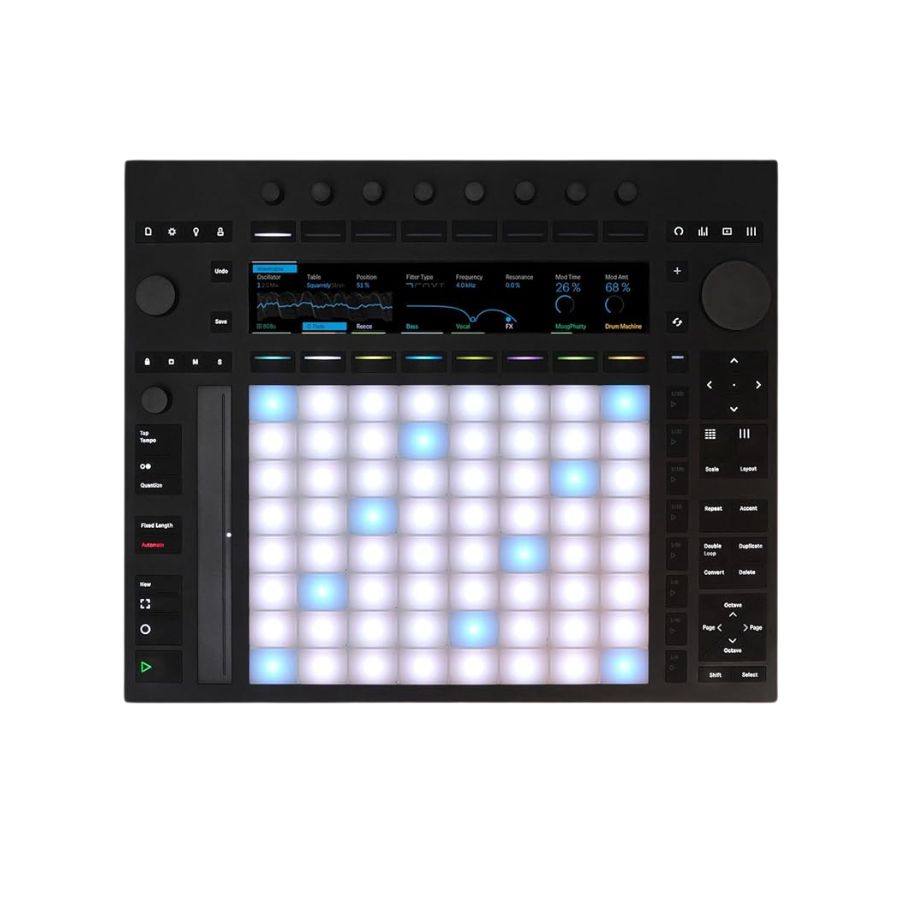
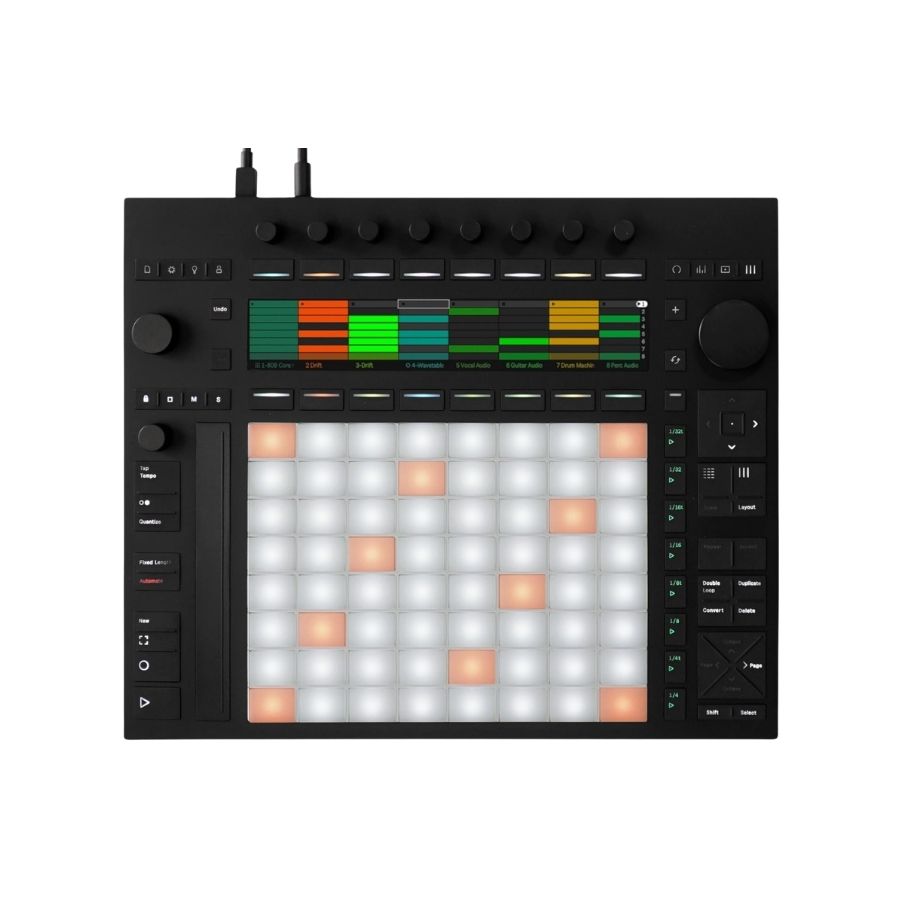
Push is a hands-on instrument for creating music. Start with a drum pattern, add bass and chords, then record different parts of your song. Ableton Live is the included software that brings those parts together for recording, arranging and mixing.
Make notes feel alive
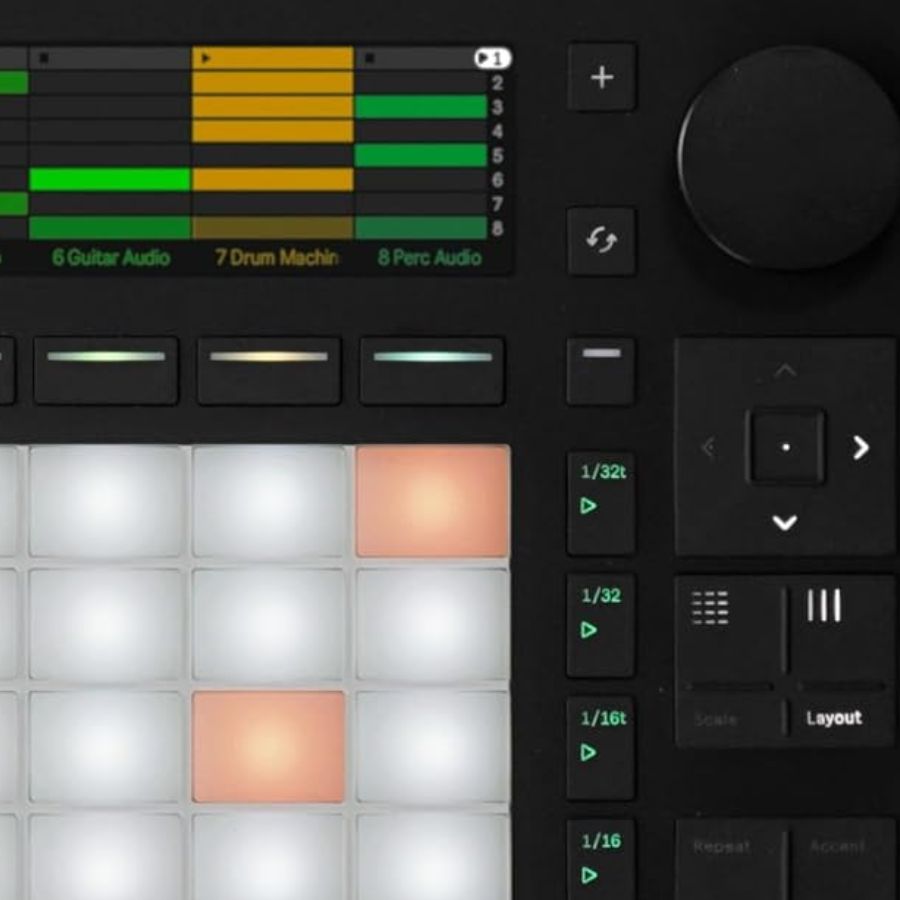
64 pads respond to how you press and move your fingers, so you can shape a note while you play it.
Connect straight to Push
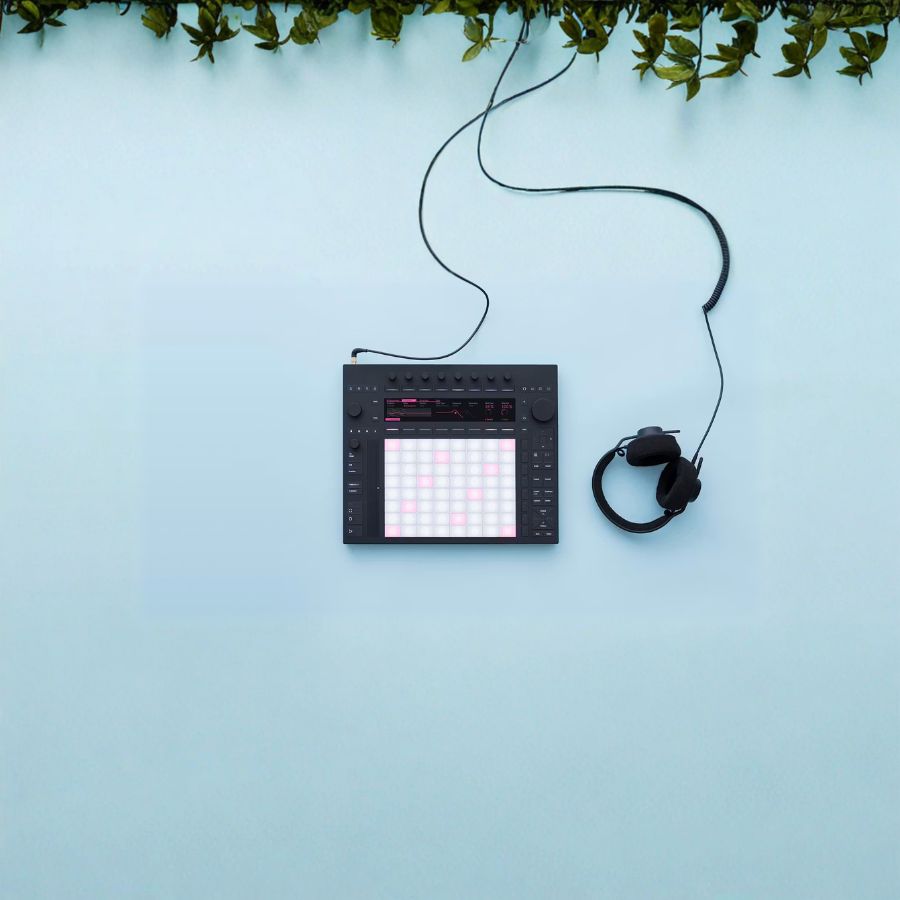
Built-in recording connections let you plug in a guitar or synth. Connect headphones or powered speakers to hear your music.
Software to grow with you
Live 12 Suite gives you unlimited tracks and a wide collection of sounds and effects. The included license is not a trial.
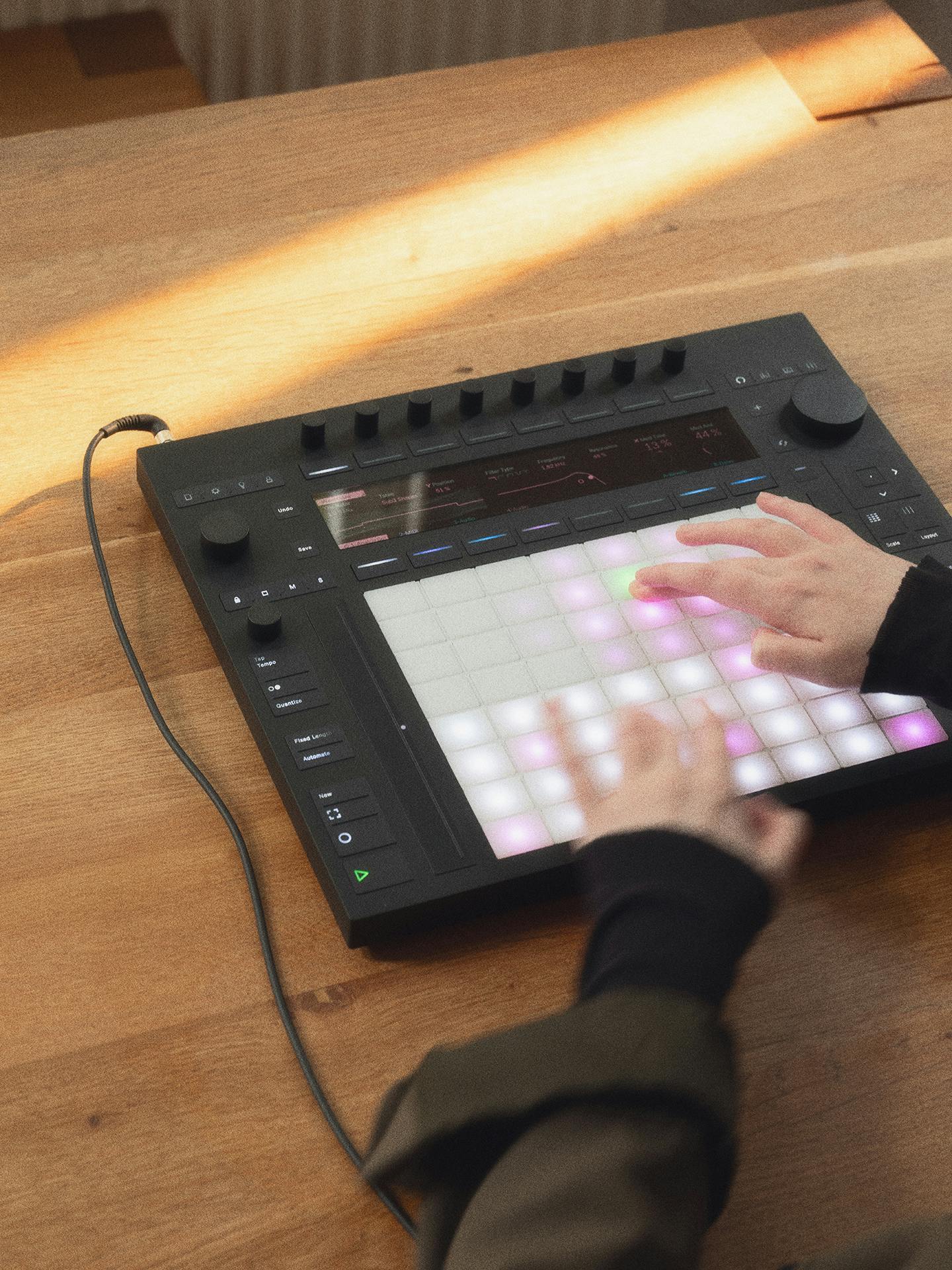
START WITH ONE SOUND
Your first beat is a place to begin.
Choose a drum kit and tap a rhythm. Add a bass sound, then try a melody. Scale mode keeps the note pads within a chosen musical scale, helping you explore notes that work together. You can learn one part at a time; Ableton’s free video lessons walk through setup and playing.
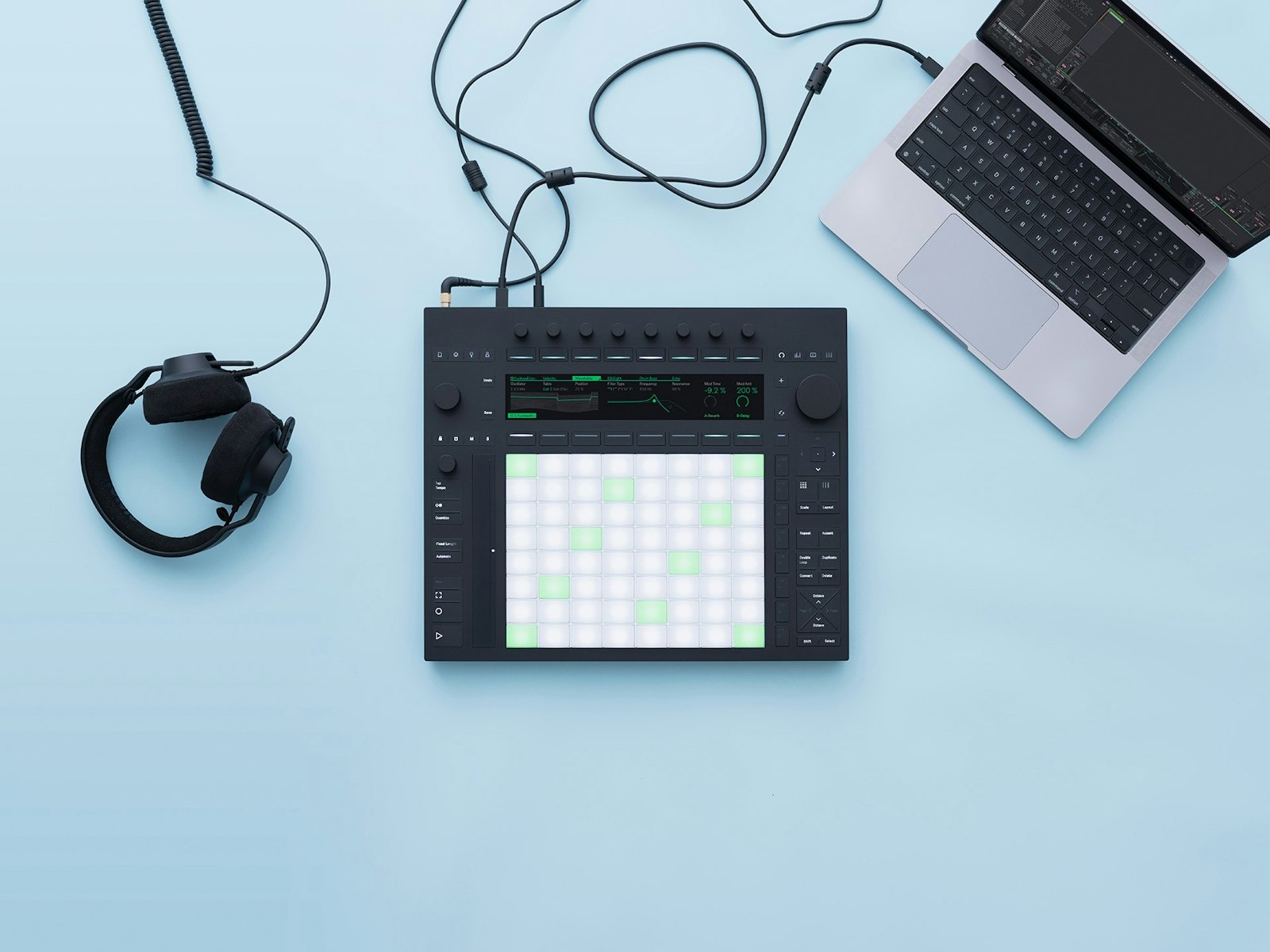
CONTROLLER • COMPUTER REQUIRED
Already creating at a desk? Start here.
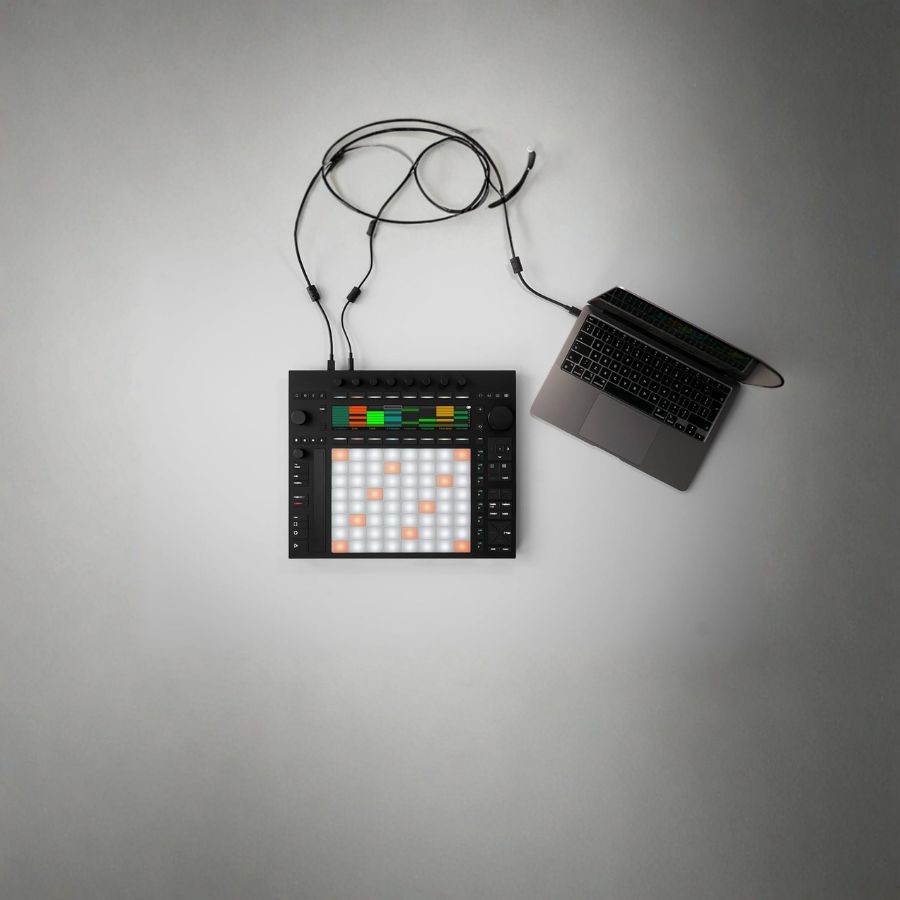
Connect Push to a compatible Mac or Windows computer running the included Live 12 Suite. Play the pads, change sounds and record without doing everything with a mouse. You get the same expressive pads and built-in audio connections as Standalone; your computer provides the processing. A computer is required every time you make music with this version.
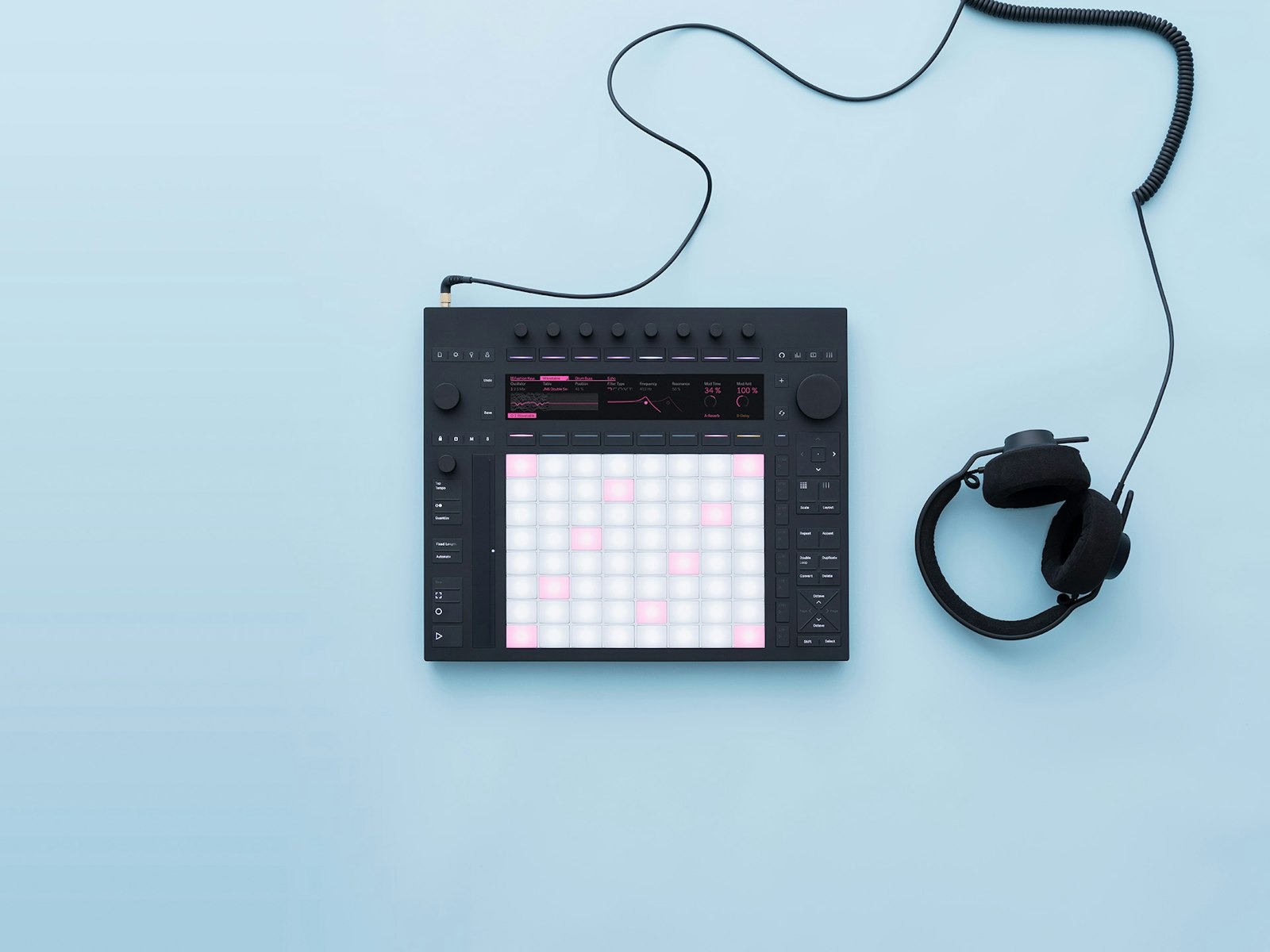
STANDALONE • CREATE WITHOUT A COMPUTER
Pay more for the freedom to unplug.
The built-in processor, 256 GB storage and rechargeable battery let you create and perform away from your computer. Battery life is up to 2.5 hours, depending on use. It also works as a Live controller when you reconnect. Build looping parts and song sections on Push; use Live on your computer for detailed song-timeline editing and third-party plug-ins.
See how Push becomes an instrument.
Official Ableton introduction featuring Push Standalone. The Controller version needs a computer. Watch on YouTube ↗
The essentials
| Configurations | Processor version: standalone use or Control Mode. Without processor: connect to a computer running Ableton Live. |
|---|---|
| Pads | 64 RGB-backlit MPE-enabled pads with individual XY sensing |
| Processor (with processor variation) | Intel 11th Gen Core i3-1115G4; 8 GB RAM |
| Storage (with processor variation) | 256 GB SSD |
| Battery (with processor variation) | Built-in lithium iron phosphate battery; approximately 2–2.5 hours of play time |
| Wireless (with processor variation) | Wi-Fi for updates, Live Set transfer, Pack downloads and Ableton Link |
| Audio interface | 2 line/instrument inputs, 2 balanced outputs and 1 headphone output |
| Audio resolution | Up to 96 kHz, 24-bit |
| Expansion and control | ADAT input expansion; pedal jacks can output CV, trigger, clock and gate |
| USB and MIDI | USB-C connection to a computer; USB-A supports class-compliant MIDI devices |
| Dimensions | 380 mm W × 318 mm D × 29 mm body height; 44.5 mm including encoders |
| Weight | 3.95 kg with processor; 3.1 kg without processor |
Battery, Wi-Fi, processor and SSD are present only on the “with processor” configuration. The version without a processor must connect to a computer running Live. Weight varies by configuration. Live 12 Suite is software and must be activated with the included license.
In the box
- Your selected Ableton Push 3 Controller or Standalone
- Ableton Live 12 Suite license
- USB-C cable
- Universal power supply
- Regional power cable
- Onboarding guide
- Poster
- Safety and warranty information
Headphones, speakers and computer are not included. Controller requires a compatible Mac or Windows computer.
A few things to know.
Which version is right for my first setup?
Choose Controller if you have a compatible Mac or Windows computer and plan to make music at your desk. Choose Standalone if creating without that computer is important to you. Both include Live 12 Suite, the same expressive pads and built-in audio connections. Standalone’s higher price adds its own processor, storage and battery.
What is Live 12 Suite, and is it included?
Live is Ableton’s software for recording sounds, arranging the parts of a song and mixing the result. Suite is its most complete edition, with unlimited tracks, instruments, sounds, effects and Max for Live for additional creative devices. This listing includes a Suite license with either Push version, valued at ₱43,990. It is not just a trial, and you do not need to buy Suite again.
Does Standalone replace a computer for everything?
You can create and perform with repeating musical parts and song sections without a computer. Ableton calls this Session View. For detailed editing along a full song timeline (Arrangement View), or third-party VST/AU plug-ins, use Live on your computer. Those plug-ins do not run directly on Push in Standalone mode.
What do I need before I can start?
Both versions need wired headphones or powered speakers because Push has no built-in speaker. The power supply and USB-C cable are included. Controller also needs a compatible Mac or Windows computer running Live. Register the included license with Ableton and follow its setup instructions. Check Ableton’s current computer requirements before ordering.
Can I learn if I do not play piano?
Yes. You can begin with drum pads and simple repeating patterns, then explore melodies using Scale mode. Expect to practise and learn the workflow, as with any instrument. Ableton’s free Learn Push videos cover setup and key features, while Learning Music teaches beats, basslines, chords and song structure in your browser.
Is this for making music or mixing DJ tracks?
Push is designed for creating and performing your own music in Ableton Live. If your main aim is mixing finished songs with jog wheels and a crossfader, a DJ controller is a more direct starting point. Ask us about your intended setup before buying if you are unsure.
What if I already own Live or need help choosing?
Contact the Silent Noise team before ordering so we can check your existing Live edition and the offer you need. Tell us your computer model and whether you want to create away from it. Both Push versions here include a 1-year warranty; the delivery and coverage details are beside the buying buttons.


Reviews
There are no reviews yet.