





Hercules DJ Monitor 5
Brand :
In stock
12-month warranty · Silent Noise support
Covers defects in materials and workmanship. Normal wear, accidental or liquid damage, and misuse are not covered.
Need help? Send your order number, product name and a description of the issue to our team.
Get product or warranty help Coverage detailsHow it works
Select BillEase as your payment method at checkout, then review your available plan and total repayment amount before confirming.
Expert advice for your setup
Need help choosing? Tell us what you want to do and what you already use. Our team can help you find the right product, check compatibility and choose the accessories you actually need.
Talk to the Silent Noise team → (opens Facebook in a new tab)POWERED SPEAKER PAIR
Hear your mix properly at your desk.
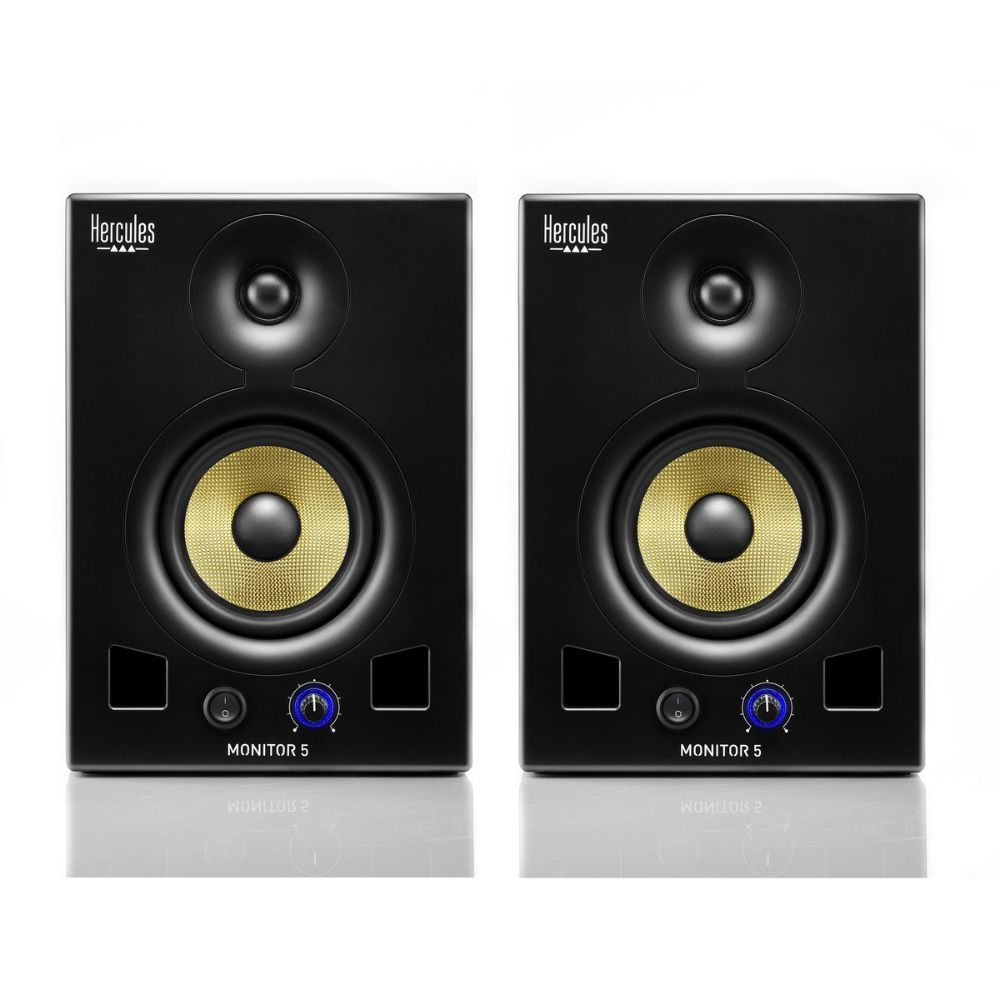
A pair of active 5-inch monitors with 80 W RMS per speaker, for a home studio or DJ practice setup. Each speaker has its own amplifier and accepts XLR, balanced jack or RCA audio.
2 speakers and power cables included. Choose audio cables to match your source.
Requires mains power and a wired audio source. No Bluetooth or rechargeable battery.
Optional extras
Choose audio cables for your source only if you need them. DJ headphones connect to your controller for private cueing.


Delivery calculated at checkout.
Questions? Contact us on Facebook (opens Facebook in a new tab)EXPLORE THE POWERED SPEAKER PAIR
Bring the main mix out of your headphones.
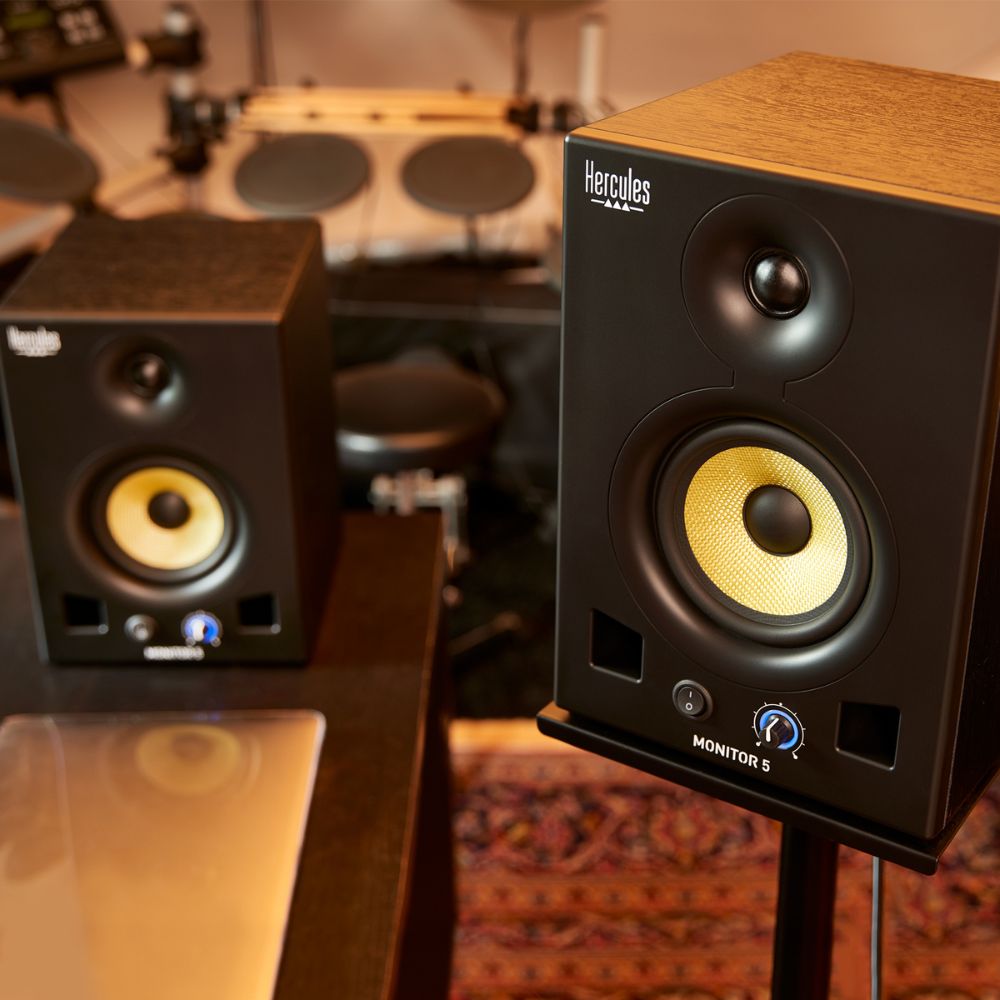
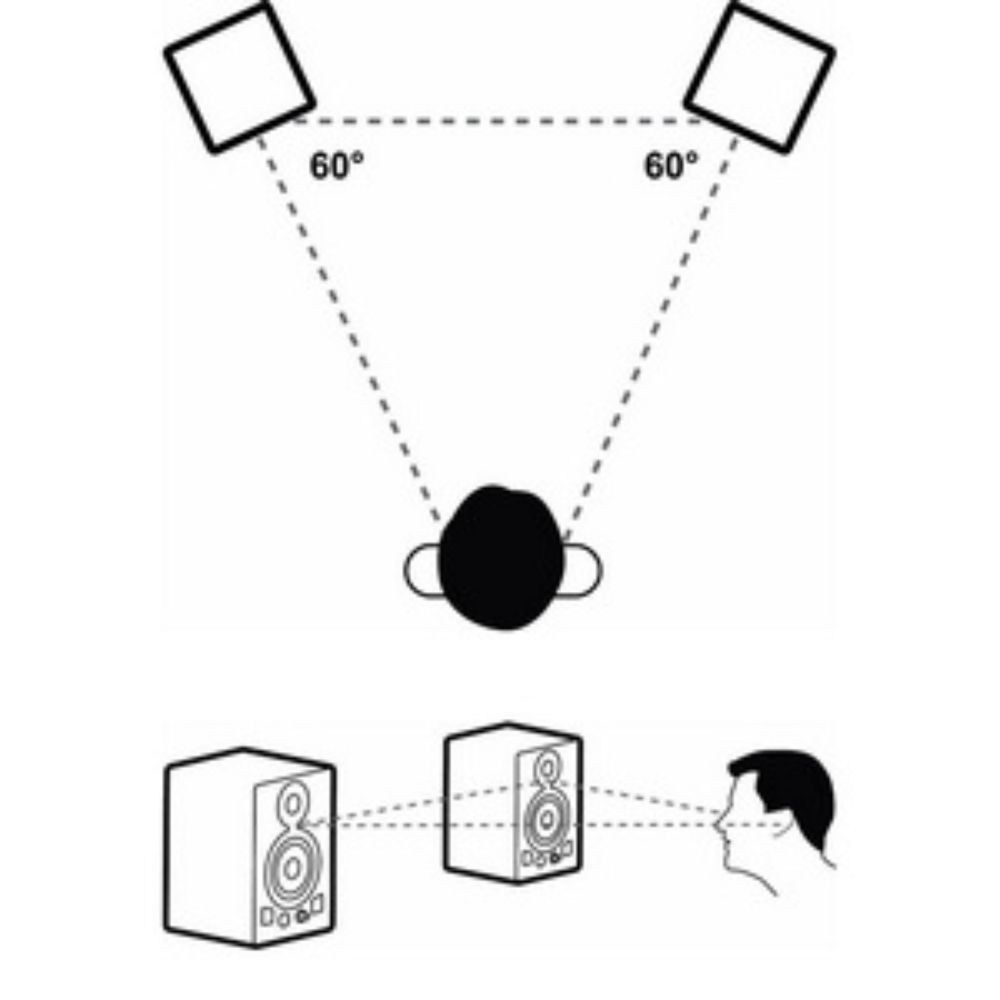
Hear your transitions through speakers while you prepare the next track privately on your controller. Place the pair on either side of your listening position and use wired audio for responsive practice.
DESK-SIDE CONTROL
Set a comfortable listening level.
Volume and power controls sit on the front of each monitor, within easy reach. Each cabinet is separately powered, so adjust both sides together for a balanced listening level.
THE RIGHT CONNECTION
Match the speakers to your audio source.
Use an audio connection to each monitor: balanced XLR or TRS from a suitable interface or mixer, or RCA from a compatible DJ controller. Both monitors need mains power. Audio cables are not included in the box.
MAKE IT WORK IN YOUR ROOM
Adjust the speakers to your space.
Rear high- and low-frequency controls and a low-frequency cutoff let you adapt the response to placement. Keep the monitors balanced around your listening position and leave room around them; they are nearfield monitors, not a substitute for a venue PA.
The essentials
| Package | 2 active studio monitors |
|---|---|
| Woofer | 5-inch |
| Amplification | 80 W RMS per monitor |
| Audio inputs | XLR · balanced 6.35 mm jack · RCA |
| Tone adjustment | High and low frequency: ±2 dB |
| Low-frequency cutoff | 56 Hz · 80 Hz · 100 Hz |
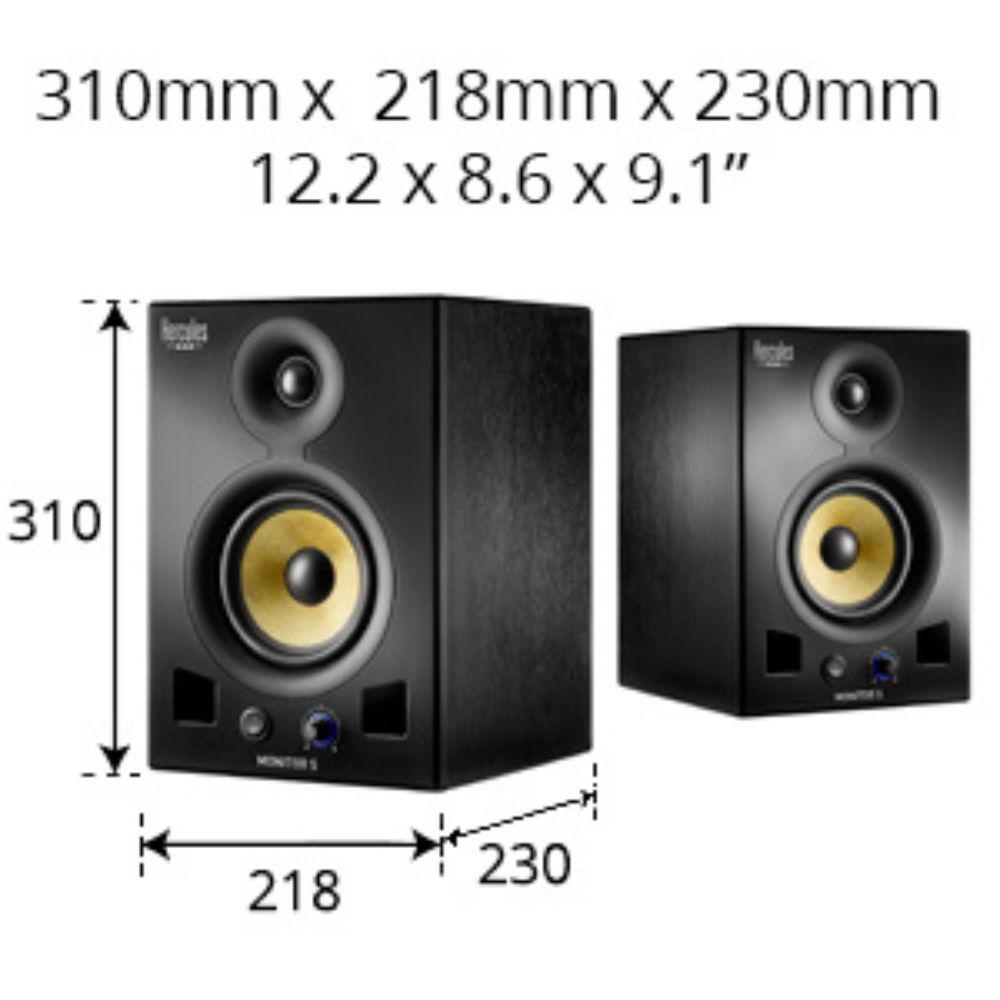
| Dimensions per speaker (W × D × H) | 21.8 × 23 × 31 cm |
| Weight per speaker | 6.83 kg |
Product measurements refer to the equipment, not the shipping package.
In the box
- 2 DJ Monitor 5 speakers
- 2 power cables
- Documentation
Requires mains power and a wired audio source. No Bluetooth or rechargeable battery.
A few things to know.
Is the price for one speaker or a pair?
This listing is for 2 speakers. The Monitor 5 pair has an amplifier in each speaker.
Do I need a separate amplifier?
No. Each Monitor 5 is active and has its own power connection.
Does it connect by Bluetooth or USB?
No. Use a wired analog audio connection from your controller, mixer, interface or another compatible source.
Where do my DJ headphones connect?
For private cueing, connect your headphones to the DJ controller or mixer. The speaker feed is the main mix, so it is not a replacement for your controller’s cue output.
Only logged in customers who have purchased this product may leave a review.
Related Products


Reviews
There are no reviews yet.