

Ableton Move – Live 12 Standard Bundle
Brand :
In stock
Ableton Move portable music-making instrument
Capture ideas and build beats anywhere.
Ableton Move is a compact standalone instrument for making beats, melodies and musical sketches on the go. Its four tracks, expressive pads, step sequencer, built-in microphone, speaker and rechargeable battery let you start creating without a computer.
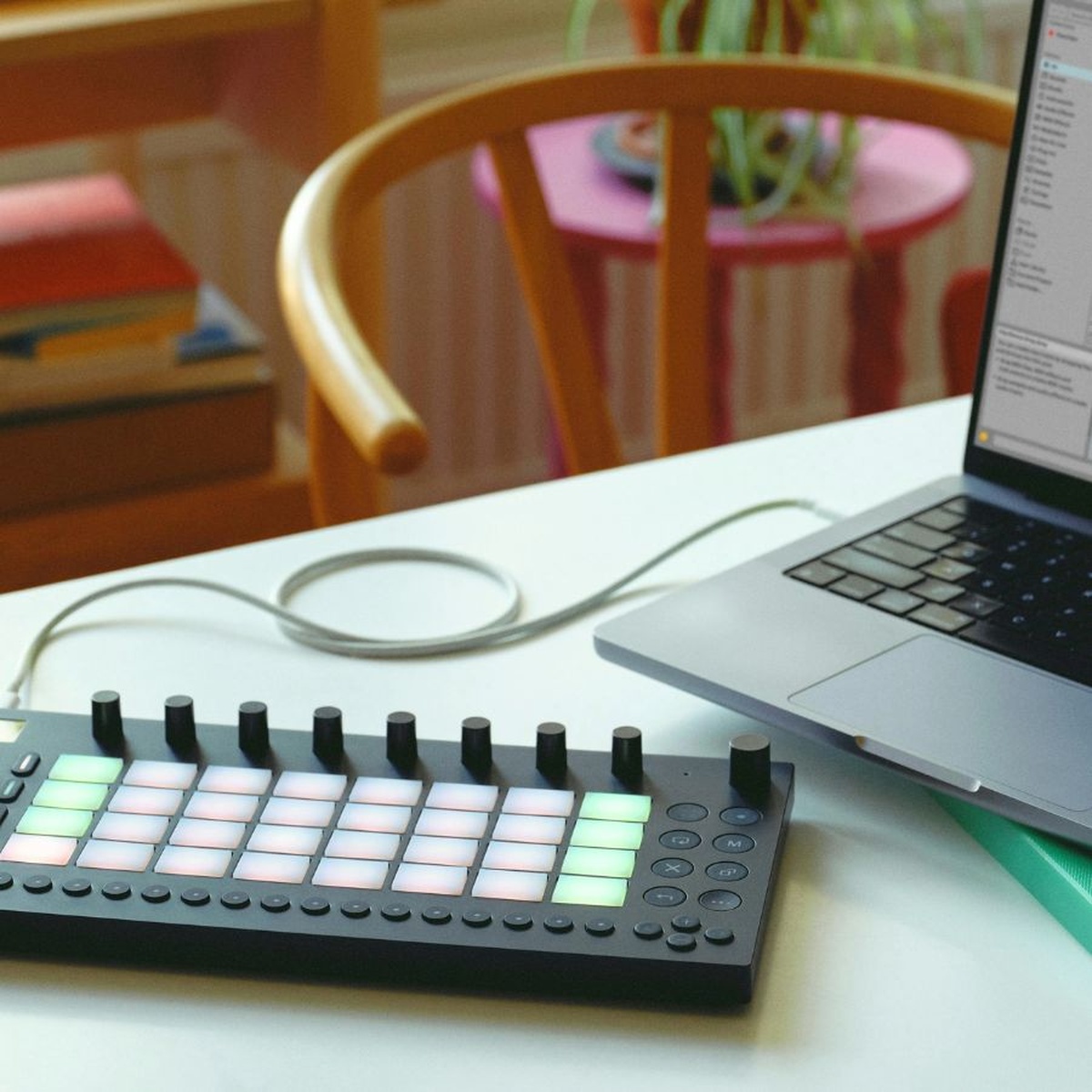
This Silent Noise listing includes Ableton Live 12 Standard with Move, so you can transfer your Sets and develop them on a compatible Mac or Windows computer.
Move works as a standalone instrument. Ableton Live 12 Standard runs on a compatible computer; check current Live system requirements before installing. Headphones and external speakers are optional and sold separately.
Compatible accessories
Move already includes a speaker for quick ideas. Add a pair of wired headphones only if you want private monitoring; use the 3.5 mm stereo output. Choose accessories to suit your setup and budget.

Delivery calculated at checkout.
Questions? Contact us on Facebook (opens Facebook in a new tab)Standalone groovebox and Live controller
Make a sketch on Move, then take it further in Ableton Live.
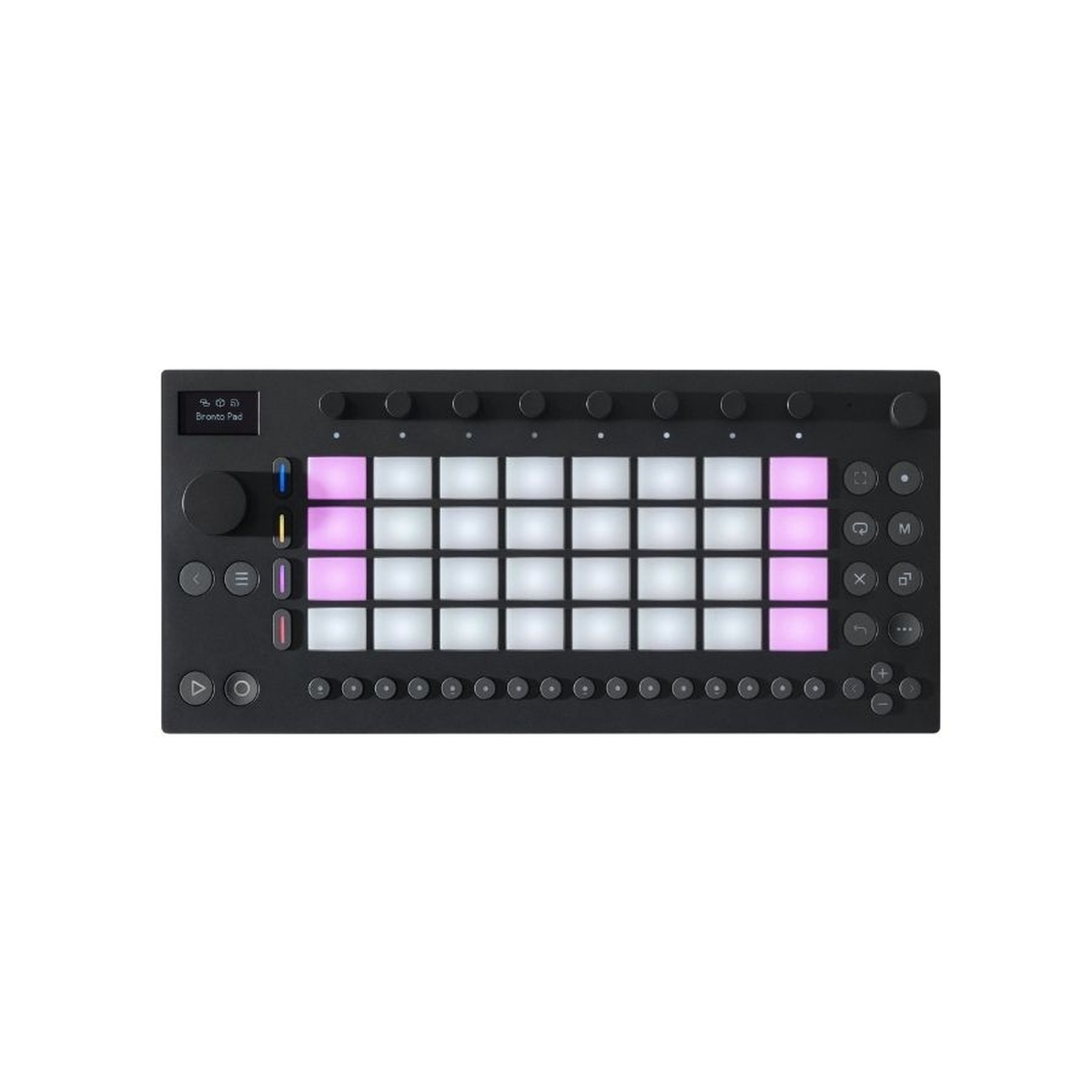
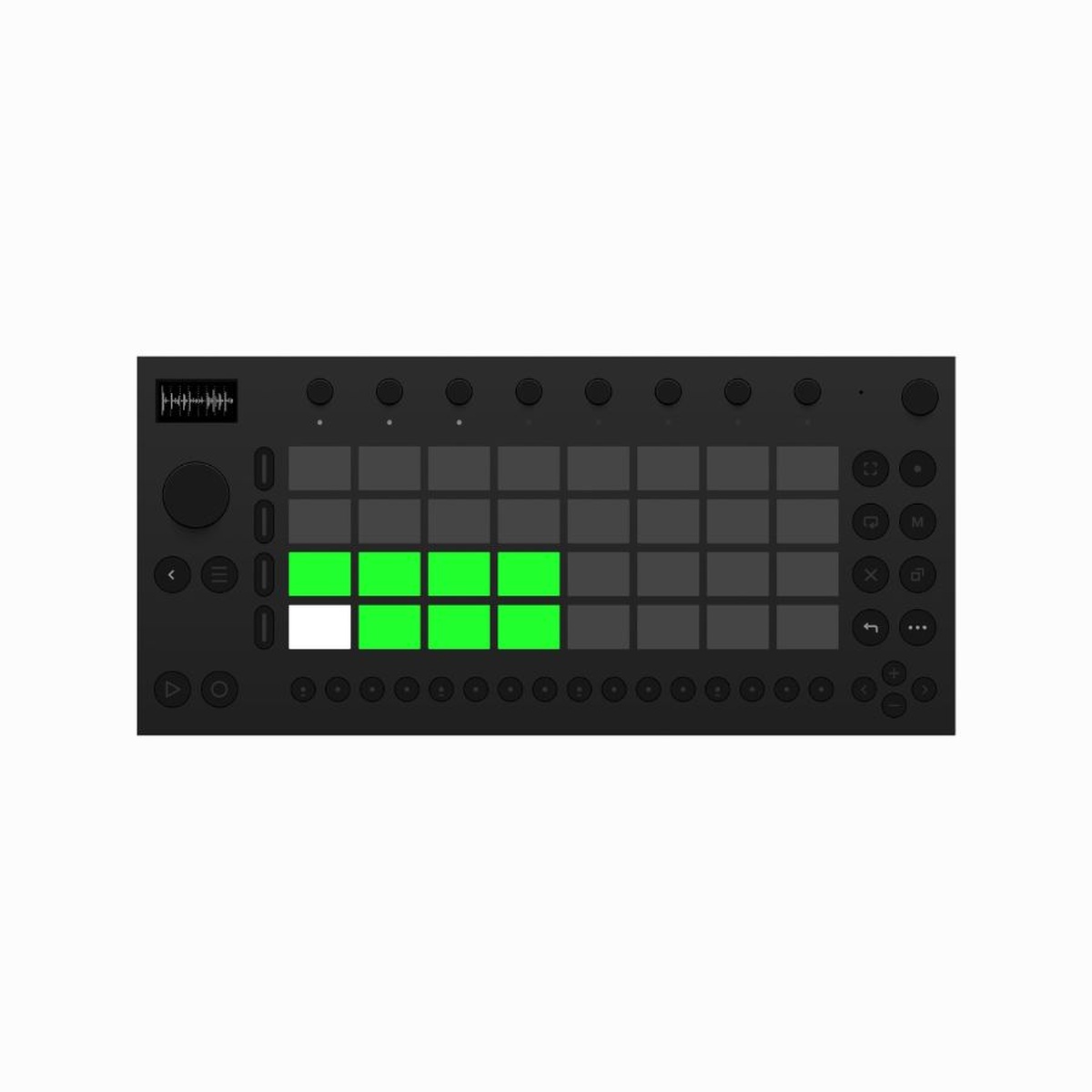
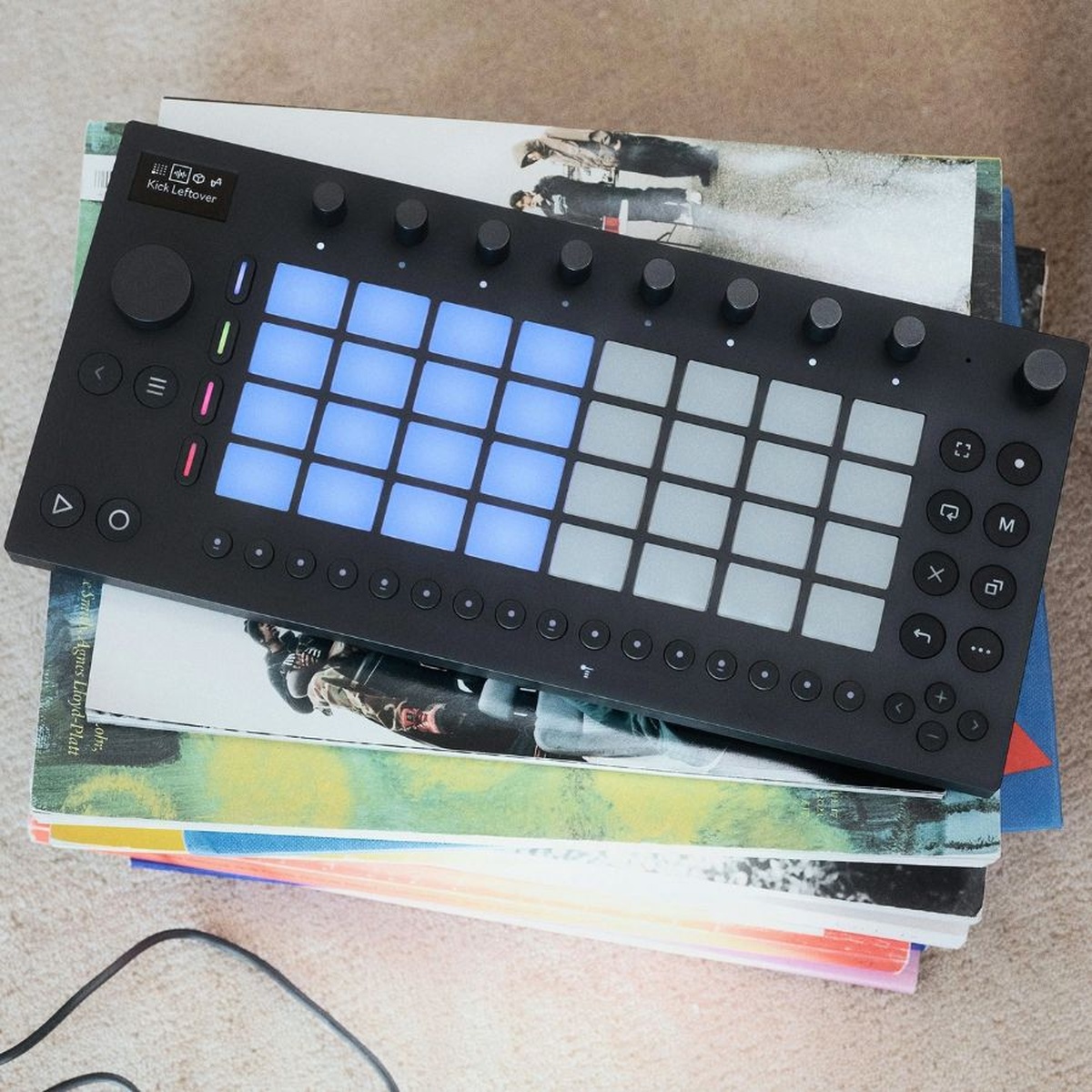
Create with Move’s four flexible tracks, 32 velocity-sensitive pads with polyphonic aftertouch, step sequencer and built-in sounds. Sample through the built-in microphone or audio input, shape sounds with onboard effects, and keep working away from a desk with its rechargeable battery and speaker. Connect by Wi-Fi to move Sets through Ableton Cloud, or connect Move to a computer for Live control and audio transfer. The included Live 12 Standard license is for a compatible computer; Move itself can also make music without one.
Make a complete sketch without a laptop.
Choose a track as a drum kit, sampler or synthesizer, build patterns and combine clips in Session Mode. Each track can use up to two effects.
Play beats, notes and clips with polyphonic aftertouch.
Move has 32 velocity-sensitive, backlit pads with polyphonic aftertouch plus 16 multifunction buttons for sequencing and quick performance controls.
Continue your Set on a computer.
Use Wi-Fi and Ableton Cloud to transfer Sets, or connect Move to a compatible computer and use it as a Live control surface and audio interface.
FLEXIBLE TRACKS
Choose drums, samples or synths for each track.
Build a four-track idea with drum kits, samples and instruments, then record and sequence patterns. Move’s sound library includes over 1,500 sounds and presets.
SAMPLE AND SHAPE
Capture sounds with the built-in mic or audio input.
Record a quick sound, then trim, slice, add effects or resample what is already playing. The 3.5 mm stereo input also accepts external audio sources.
PORTABLE CREATION
Create with a built-in speaker and rechargeable battery.
Move can run standalone with its built-in speaker, microphone and rechargeable battery. Use headphones or external speakers through the stereo output when you need private or room listening.
MOVE + LIVE 12 STANDARD
A small instrument.
A big place to start.
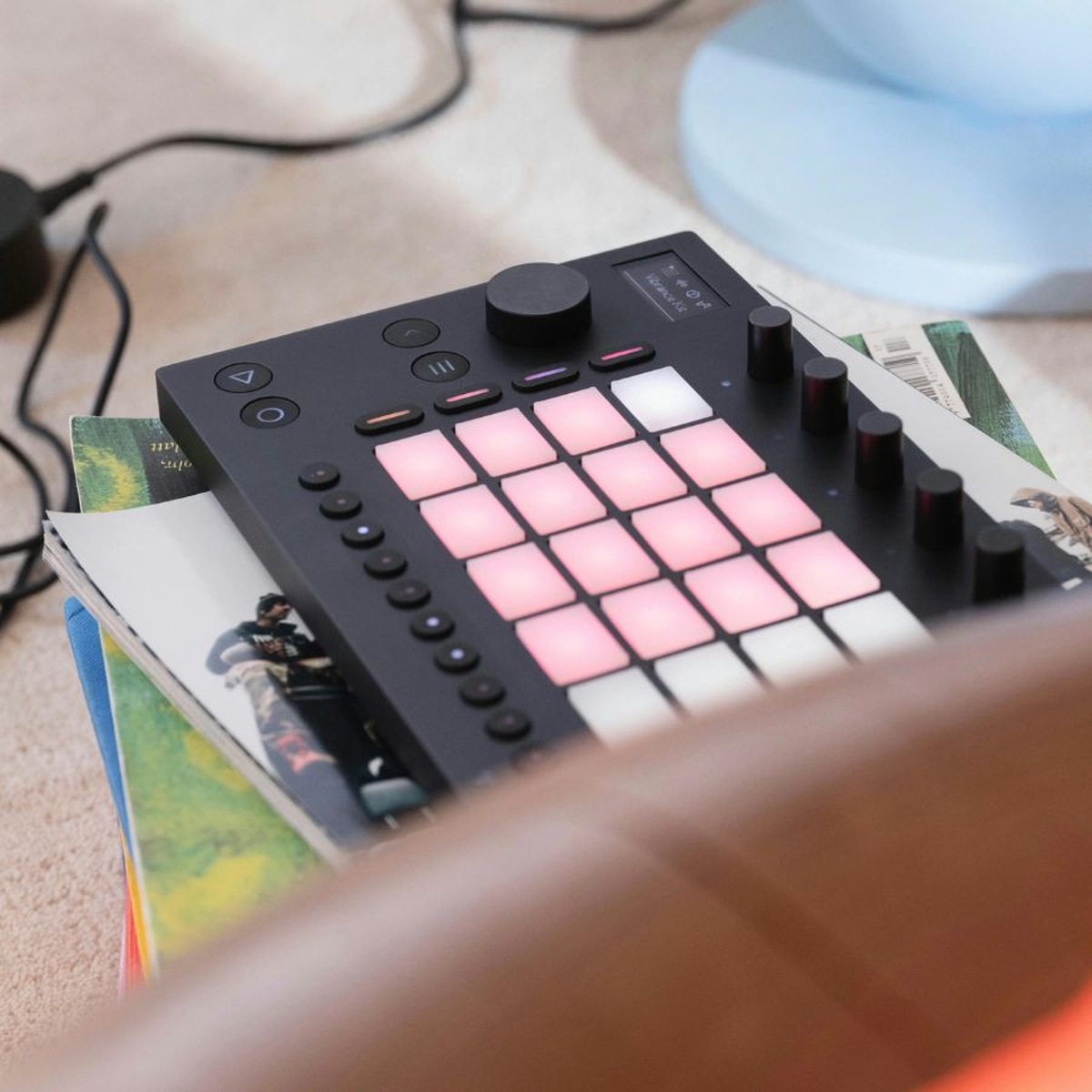
Make a beat on the sofa. Sample a sound on the way home. Build a melody before it slips away. Then take the idea into Live 12 Standard and turn it into a finished track.

Less setup. More music.
Built-in sounds, a speaker and a rechargeable battery let you start without a computer. Four flexible tracks keep the first idea focused.
Play it. Sample it.
Tap drums and melodies across 32 velocity-sensitive pads with polyphonic aftertouch. Capture your surroundings with the built-in mic and shape your sounds with the encoders.
The full track comes next.
Transfer your Move Set to Live on your computer. Arrange, record and mix with Live 12 Standard, included in this Silent Noise bundle.
YOUR BUNDLE
Hardware and software. Together.
- Ableton Move portable standalone instrument
- Ableton Live 12 Standard for a compatible Mac or Windows computer
- Built-in speaker, microphone, 64 GB storage and rechargeable battery
- Up to 4 hours of battery play time, depending on use
IS IT FOR YOU?
For ideas that happen anywhere.
Choose Move if you want a compact instrument for beats, samples and musical sketches away from your desk, with a clear path into a full production workflow.
Want a larger playing surface and deeper hands-on control? Explore the Push 3 + Live 12 Suite bundle →
Good to know before you buy.
Do I need a computer to use Move?
No. Move can make music on its own using its built-in sounds, speaker and battery. The included Live 12 Standard software runs on a compatible Mac or Windows computer. Check computer requirements →
Is Live 12 Standard included in this price?
Yes. This Silent Noise bundle includes Move and Live 12 Standard. You do not need to buy Standard separately for this bundle. Already own Live? Ask us which option fits your setup before ordering.
Can I use headphones and connect other gear?
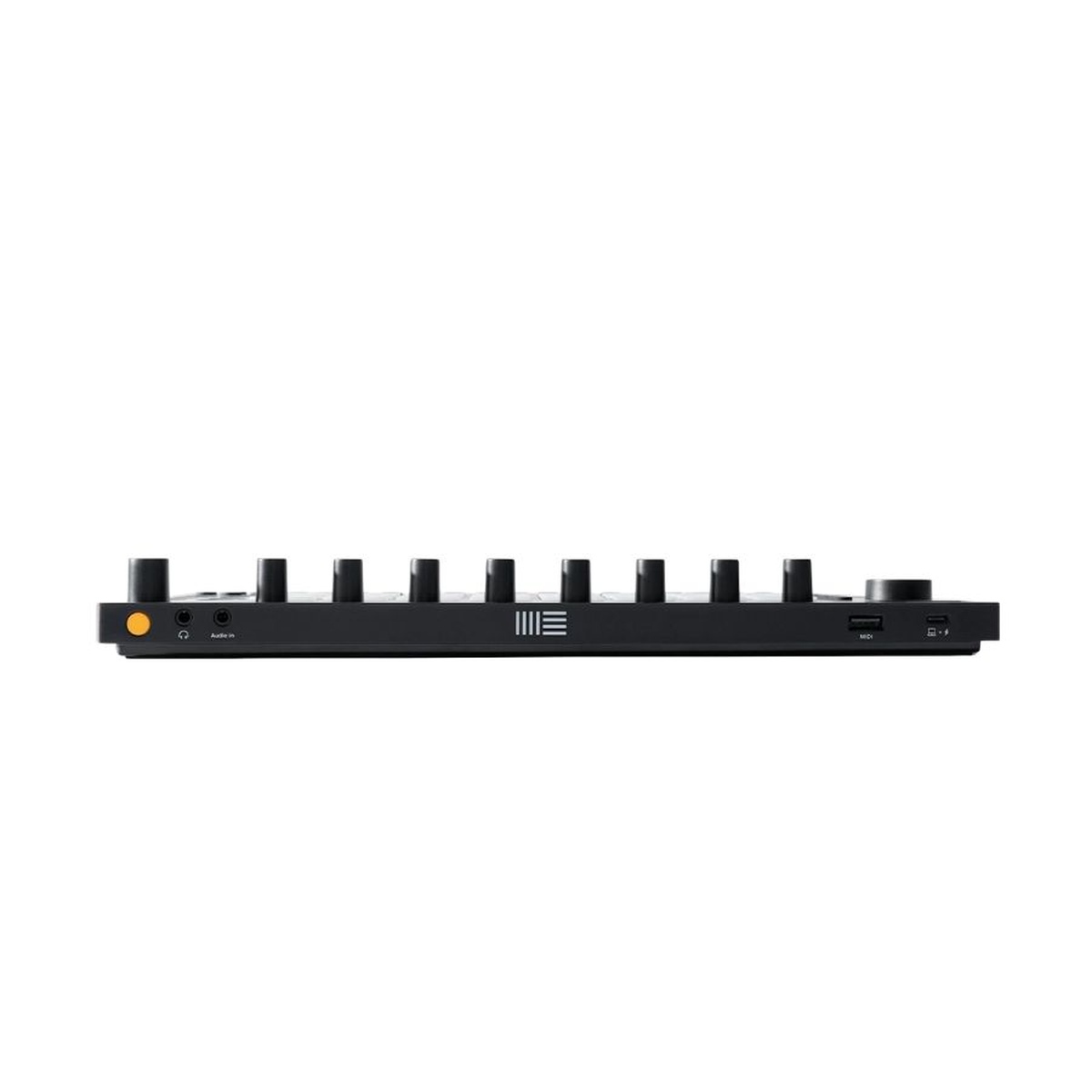
Yes. Move has a 3.5 mm output for headphones or speakers, an audio input for sampling, and USB connectivity. Headphones, speakers and other external equipment are not included.
Where should I start learning?
Ableton’s Move lessons walk through the instrument. Start with a drum pattern, add a bassline, then record a melody. Learning Music is a free introduction to the musical basics.
The essentials
| Tracks | 4 flexible tracks for drums, samples and instruments |
|---|---|
| Pads | 32 velocity-sensitive, backlit pads with polyphonic aftertouch |
| Sequencer | Step sequencer with patterns up to 16 bars |
| Controls | 9 touch-sensitive encoders and 16 multifunction buttons |
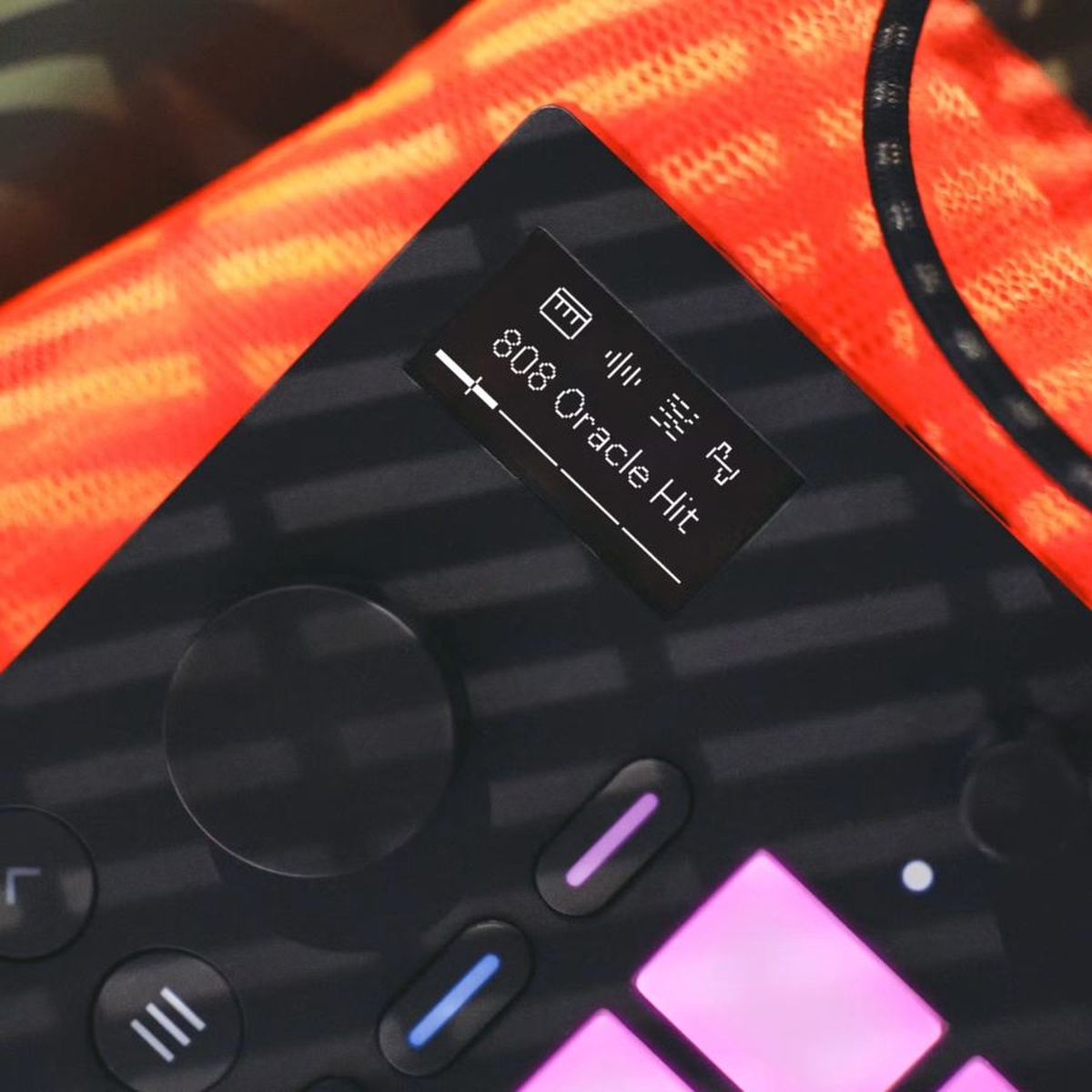
| Display | 1.3-inch OLED, 128 × 64 pixels |
| Processor | Quad-core ARM Cortex-A72 at 1.5 GHz; 2 GB RAM |
| Storage | 64 GB internal storage |
| Audio ports | Stereo 3.5 mm line input and stereo 3.5 mm output |
| USB and MIDI | USB-C for power, audio and computer connection; USB-A for class-compliant MIDI devices |
| Wireless | Built-in Wi-Fi, Ableton Cloud and Ableton Link |
| Battery | Rechargeable battery; up to 4 hours of play time |
| Dimensions and weight | 313.5 × 146.3 × 34 mm; 0.97 kg |
Battery life is rated up to 4 hours and varies with use. The built-in speaker outputs the stereo Set in mono; use the stereo output for stereo listening.
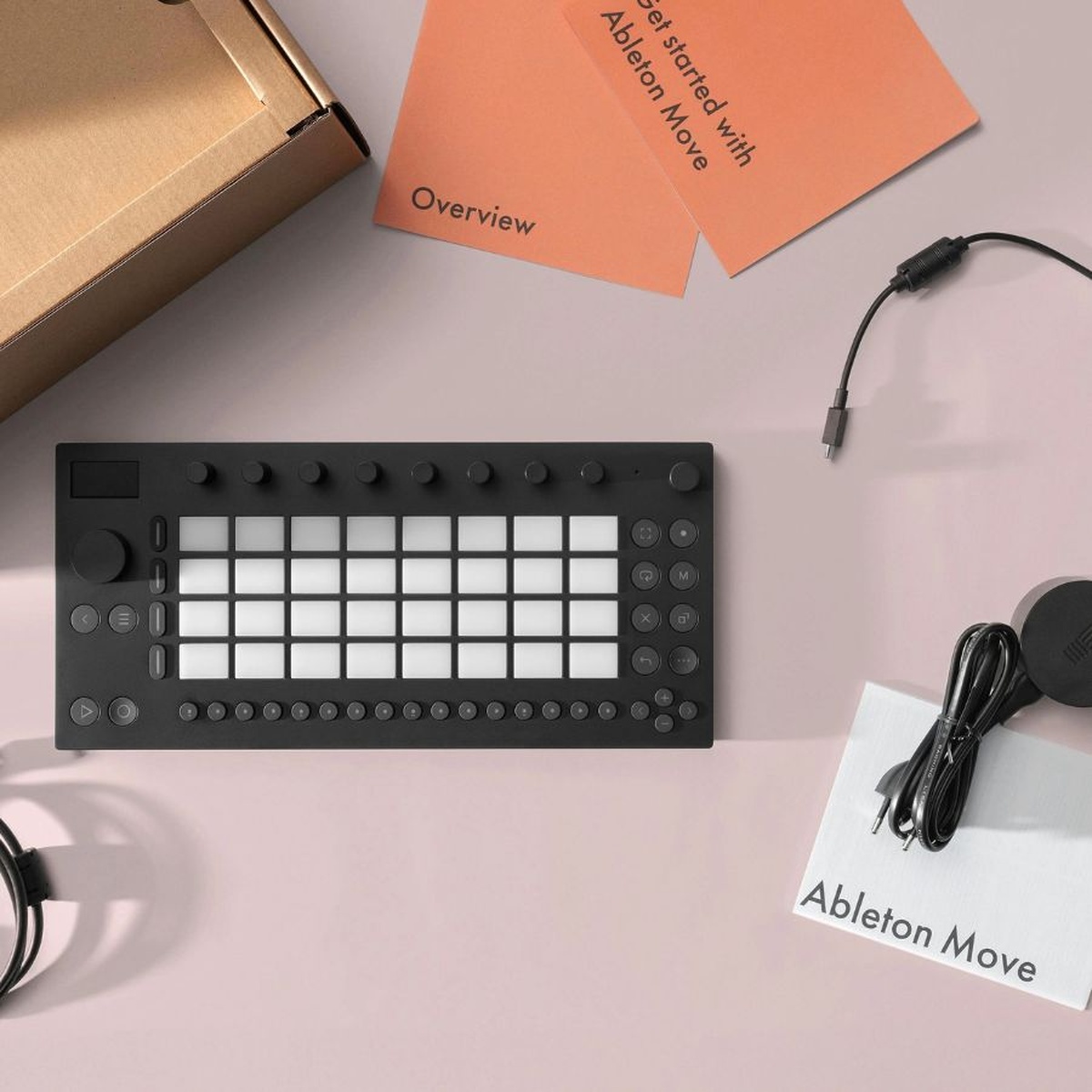
In the box
- Ableton Move instrument
- USB-C power supply
- USB-C cable
- Getting Started Guide
- Safety and warranty information booklet
- Controls overview
The Live 12 Standard license is included with this Silent Noise bundle as stated in the listing. Confirm the registration or delivery details provided with your order. Headphones and external speakers are not listed as included accessories.
A few things to know.
Can I use Ableton Move without a computer?
Yes. Move is a standalone instrument with its own processor, sounds, speaker, microphone and rechargeable battery. A computer is needed for the included Live 12 Standard software.
What does the Live 12 Standard bundle include?
This Silent Noise listing is titled as a Move and Live 12 Standard bundle. Ableton Live runs on a compatible Mac or Windows computer; check Ableton’s current system requirements and the order’s license delivery instructions.
How do I listen or record external audio?
Use the built-in speaker for quick ideas, the 3.5 mm stereo output for headphones or speakers, and the 3.5 mm stereo input to sample an external line-level source. A microphone or guitar pickup may need an external preamp to provide line-level output.
Only logged in customers who have purchased this product may leave a review.
Related Products


Reviews
There are no reviews yet.