

Ableton Live 12 Intro Music Production Software
Brand :
In stock
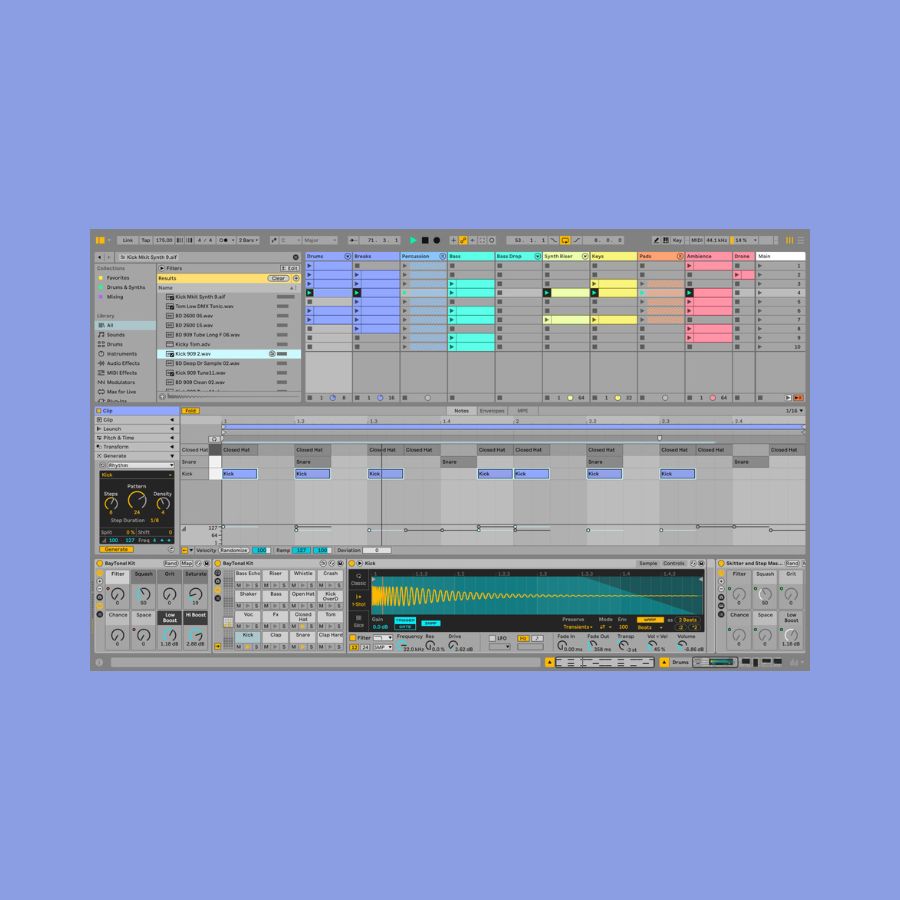
Make your first beat. Build your first song. Live 12 Intro gives you the core tools to record, arrange and mix music on a compatible Mac or Windows computer. Start with included sounds, then add your own ideas.
- 16 audio and MIDI tracks — separate layers for drums, bass, melodies and recordings
- Included instruments, effects and 5+ GB of sounds
- Software-only license; Ableton hardware is optional
Compatible accessories

Delivery calculated at checkout.
Questions? Contact us on Facebook (opens Facebook in a new tab)A practical place to start making music.
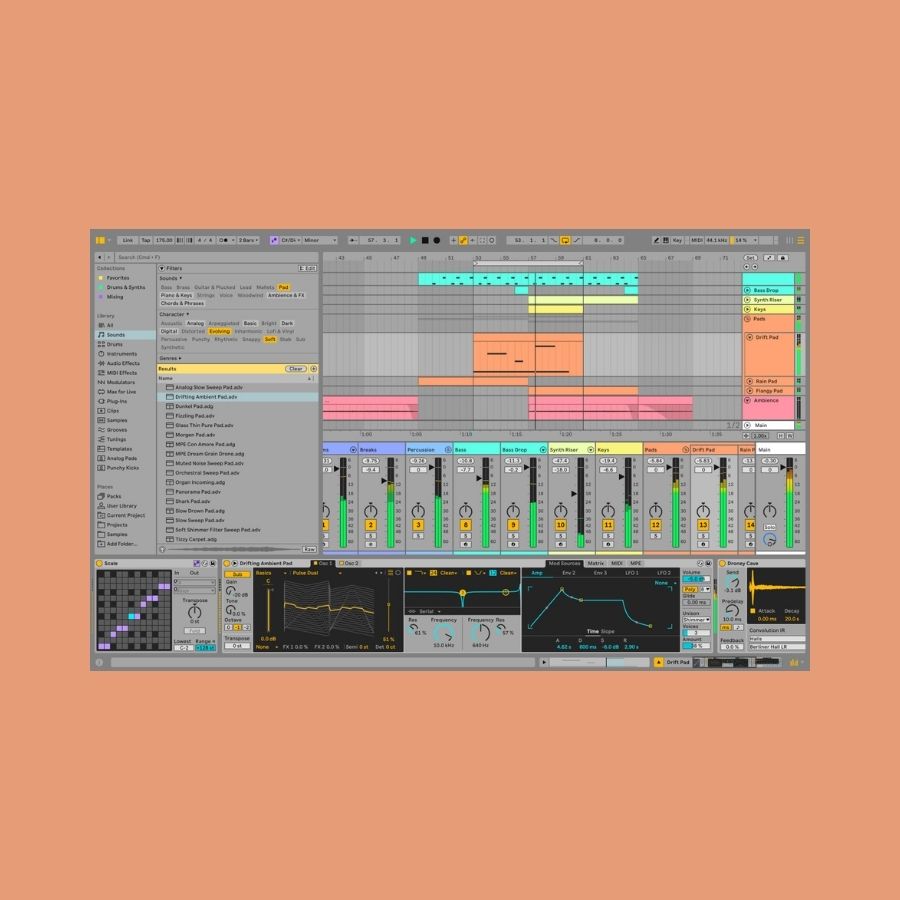
You do not need a finished song in your head to begin. Open a drum sound, build a short loop and add one part at a time. Intro keeps the workspace focused while giving you recording, arranging, effects and mixing tools.

Your first project can start with three parts
- Build a drum loop. Choose an included drum sound and draw or play a short rhythm.
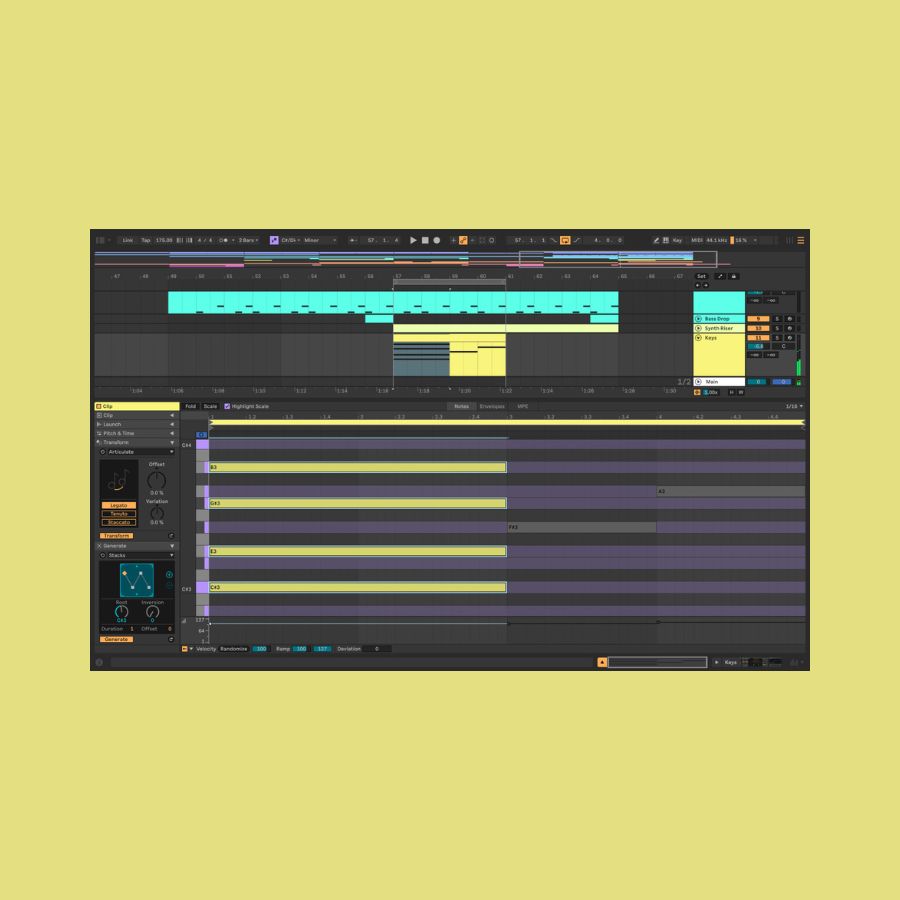
- Add a bassline or melody. Try an instrument sound and record a second part. You can enter notes with your mouse or use a MIDI controller.
- Turn the loop into a song. Arrange sections on the timeline, add changes and effects, then export audio to listen back.
Is Live 12 Intro right for you?
Choose Intro if you want to learn Live and make smaller projects at the lowest price in this range. Its 16-track limit means you can work with up to 16 audio and MIDI layers in one project.
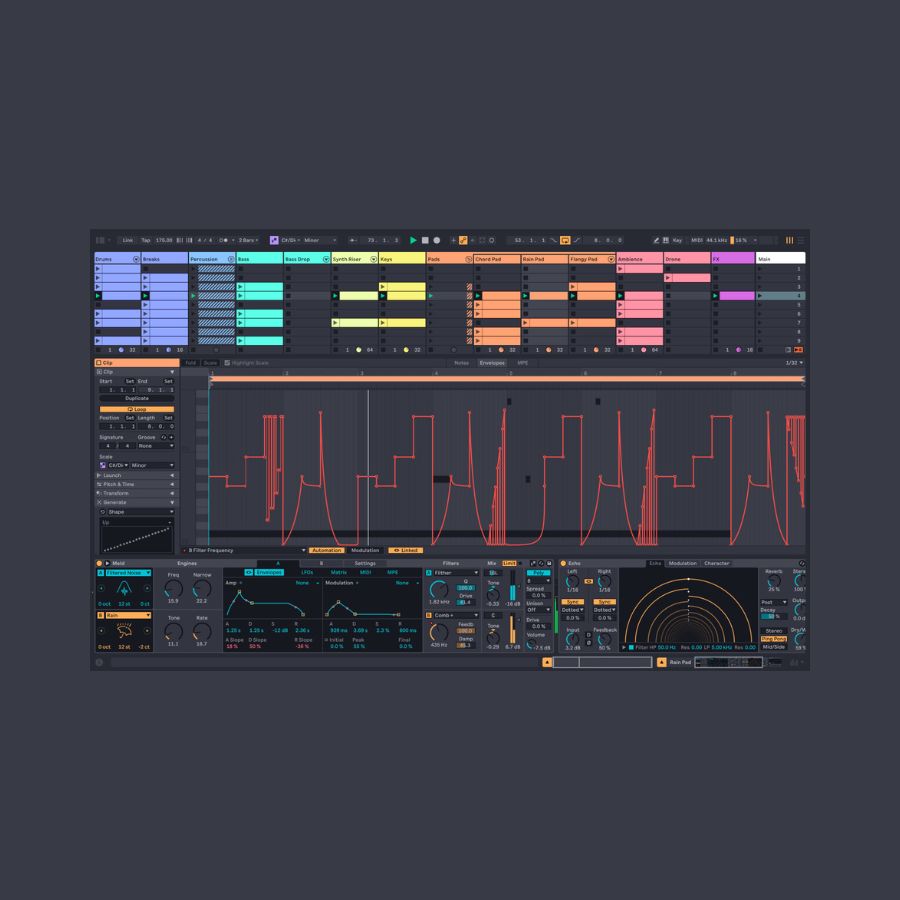
Need more layers and a wider sound collection? Choose Live 12 Standard. For a broader set of instruments and deeper sound design, explore Live 12 Suite.
What you need to get started
This is a software-only license. Install Live on a compatible Mac or Windows computer. Check Ableton’s current computer requirements before buying. You can begin with your computer’s audio output; headphones are useful for listening closely. A MIDI controller is optional. Recording microphones or external instruments may require an audio interface and suitable cables.
Add hands-on playing when you want it
Move is a portable instrument for making ideas away from the computer. Push gives you expressive pads and hands-on control of Live.
Buying a hardware bundle instead? Our Move bundle already includes Live 12 Standard, and both Push bundles include Live 12 Suite. You do not need to purchase the same software twice.
Learn one useful thing at a time
Try Ableton’s free Learning Music lessons to explore the basics without equipment, then use Ableton’s Learn Live videos to find your way around the software.
Compare Move, Push and Live in our Ableton guide → Need help choosing an edition? Message Silent Noise.
Only logged in customers who have purchased this product may leave a review.


Reviews
There are no reviews yet.