


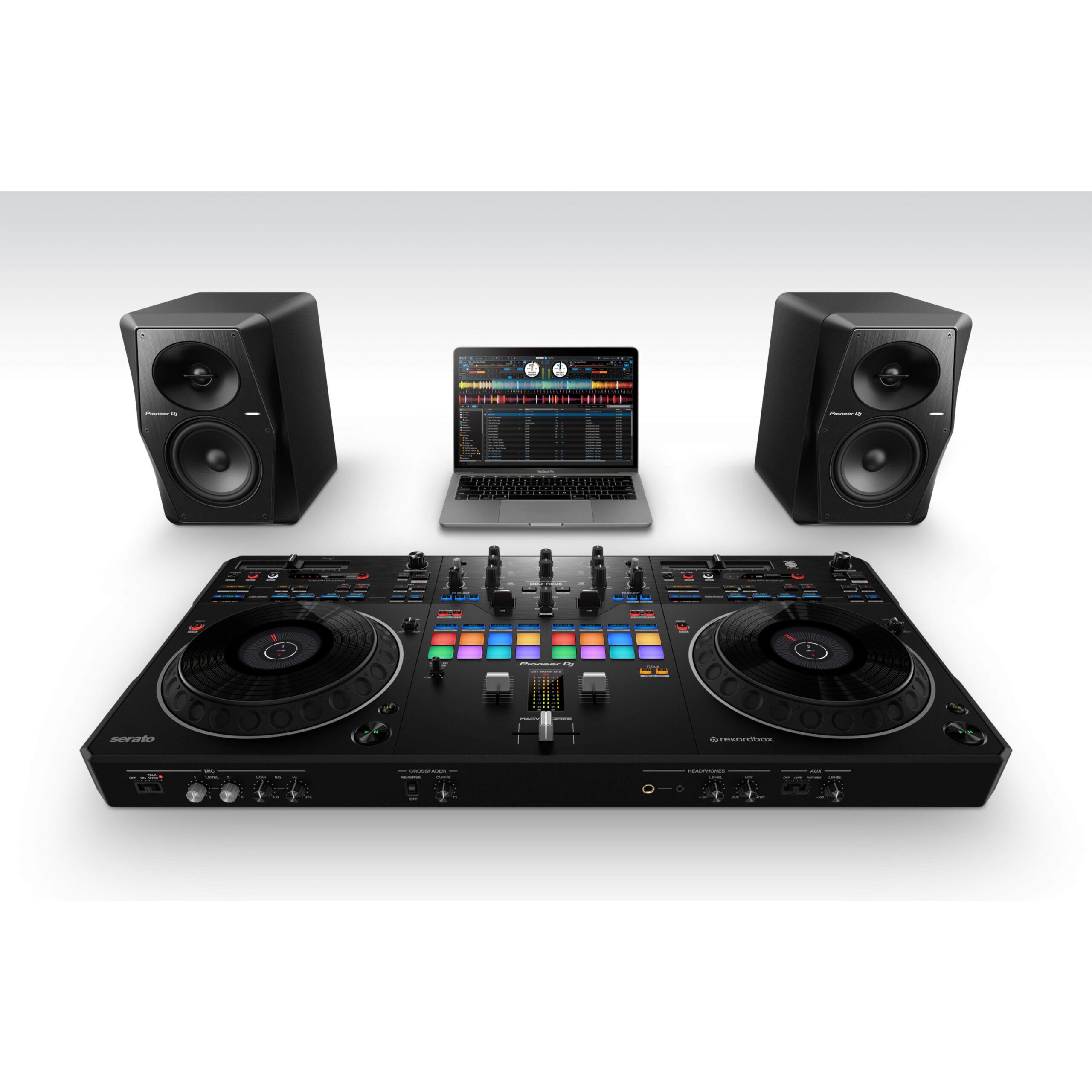
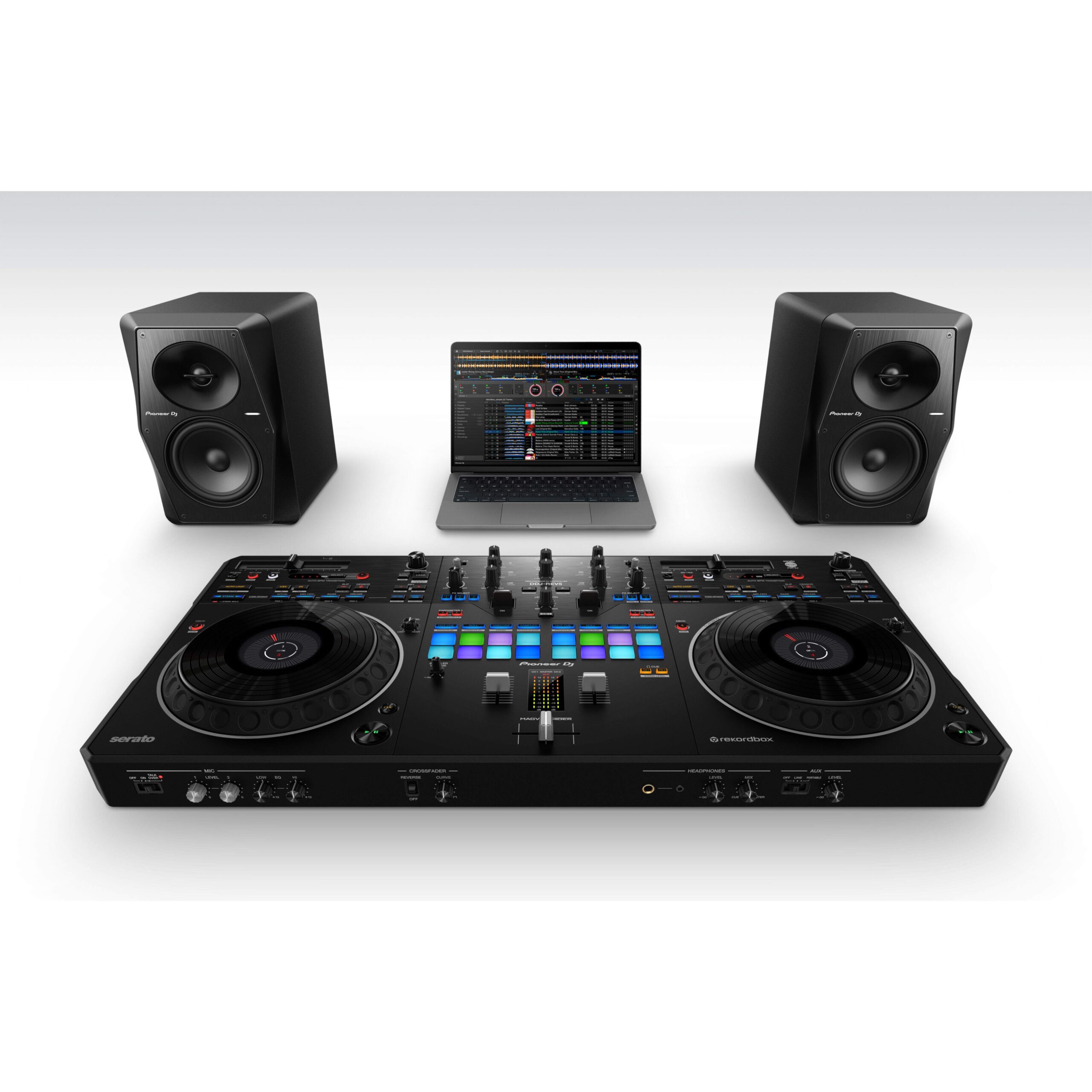
Pioneer DJ DDJ-REV5 Scratch-Style 2-Channel DJ Controller
Brand :
In stock
PIONEER DJ SCRATCH-STYLE CONTROLLER
Scratch, mix and remix with flexible controls
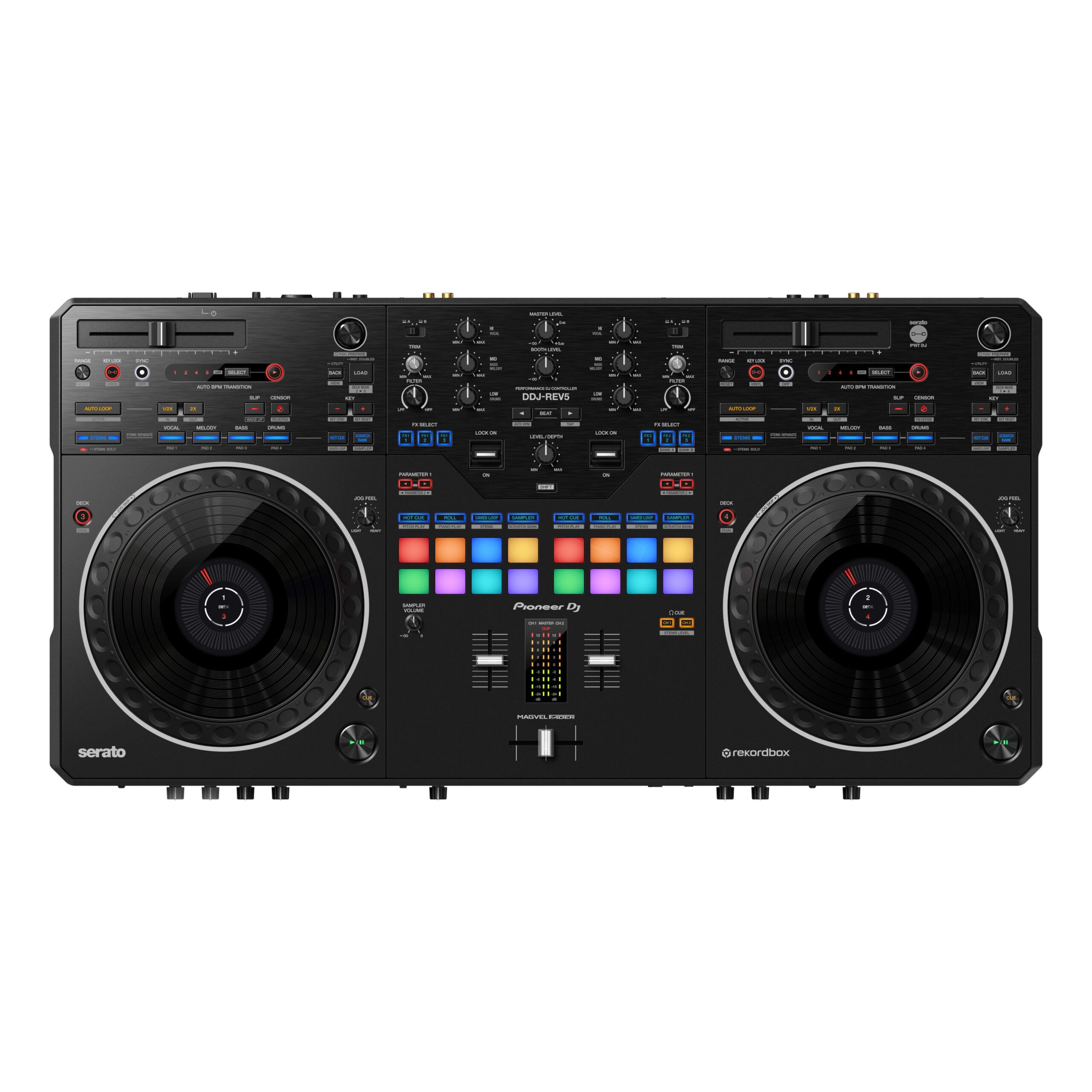
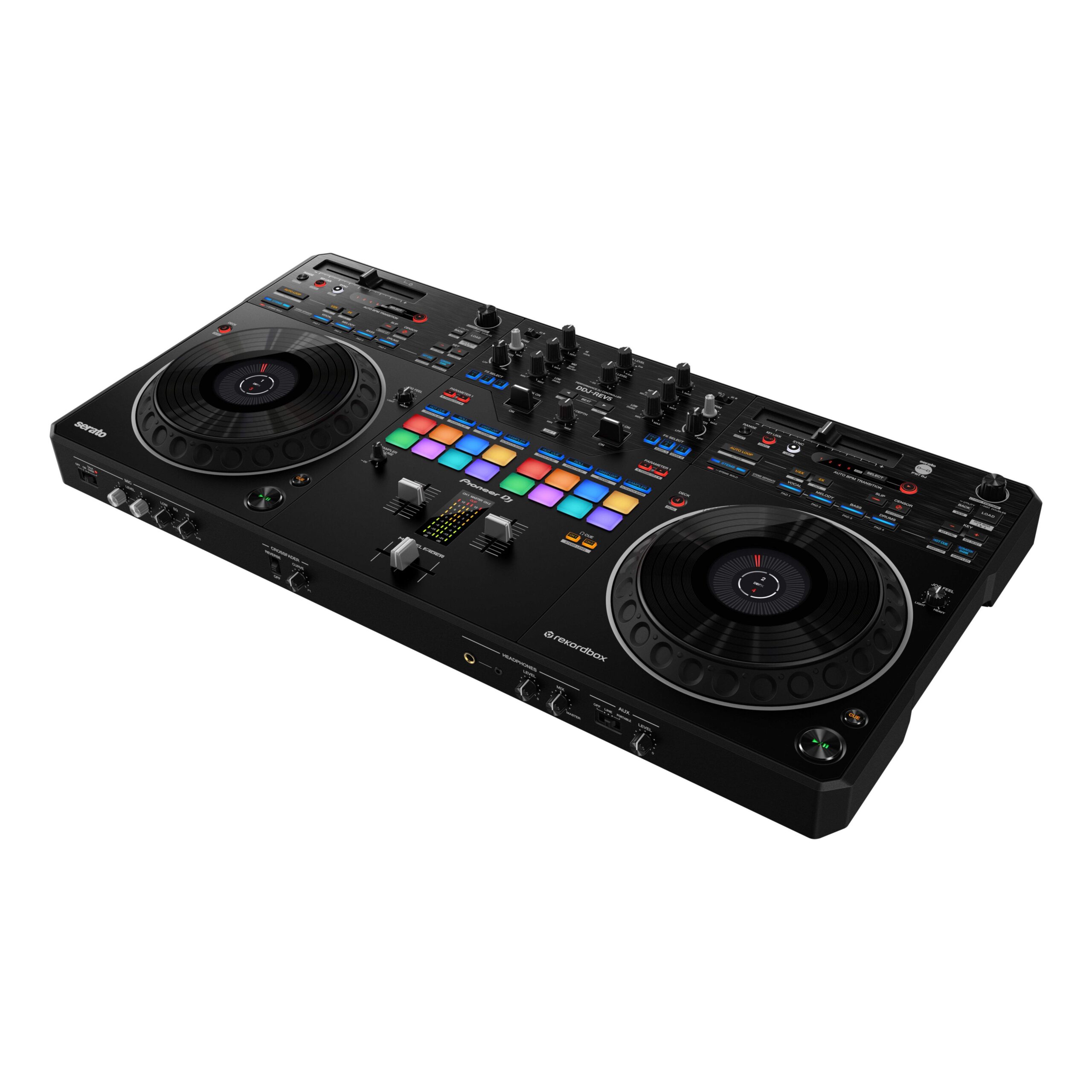
The Pioneer DJ DDJ-REV5 is a 2-channel controller designed for scratch and open-format performances with Serato DJ Pro or rekordbox. Its large jog wheels, MAGVEL FADER, Stems controls, Auto BPM Transition and Piano Play mode put expressive mixing tools within reach.
A voucher for the Serato Pitch ‘n Time DJ expansion pack is included; DJ software is downloaded separately.
Requires a compatible PC or Mac with supported DJ software. Headphones, speakers and music are separate unless included by Silent Noise; check the exact regional package contents.
Compatible accessories
Headphones are a separate purchase. Start with the wired HDJ-CUE1 for cueing; add monitors or other inputs only when they fit your existing setup.

Delivery calculated at checkout.
Questions? Contact us on Facebook (opens Facebook in a new tab)PIONEER DJ DDJ-REV5
Shape a set with Stems, transitions and scratch control
Use the DDJ-REV5 as the center of a computer-based DJ setup for open-format mixing, scratch practice and live remixes. The controller connects to Serato DJ Pro or rekordbox and includes multiple audio connections for integrating monitors and external sources.
Move from jogs to fader work
Large jog wheels with On Jog Display and a MAGVEL FADER give scratch DJs control over track position and crossfader movement.
Remix tracks in real time
Dedicated Stems buttons and 8 back-lit Performance Pads let you isolate parts, trigger cues and build live remixes in supported software.
Pick Serato or rekordbox
Connect to a compatible computer over USB Type-C and use Serato DJ Pro or rekordbox. Auto BPM Transition and Piano Play add new ways to change the flow of a set.
AlphaTheta DDJ-REV5 Scratch-Style DJ Controller
Experience next-level performance and creativity with the AlphaTheta DDJ-REV5, a 2-channel DJ controller engineered for scratch DJs and open-format performers. Combining professional features, next-gen controls, and compatibility with Serato DJ Pro and rekordbox, this controller brings studio precision to your fingertips in any environment.
Key Features:
-
Large Jog Wheels with On-Jog Display
Customizable Jog Feel and display feedback offer tactile and visual precision while scratching. -
MAGVEL FADER
Smooth, ultra-durable fader engineered for rapid cuts and accurate scratching. -
Scratch-Style Layout
Designed to mimic PLX turntables + DJM-S mixer setups, featuring horizontal tempo faders above each deck, centrally located Performance Pads, Lever FX, and more. -
Stems Control (rekordbox & Serato)
Mute, solo, separate, and EQ Stems (vocals, drums, instruments) with dedicated buttons for live remixing. -
Auto BPM Transition
Seamlessly mix across genres and BPMs with tempo-matching automation across tracks. -
Piano Play Mode
Intuitively trigger cue points like piano notes across 3 scales — perfect for musical routines and mashups. -
Dual USB-C Ports
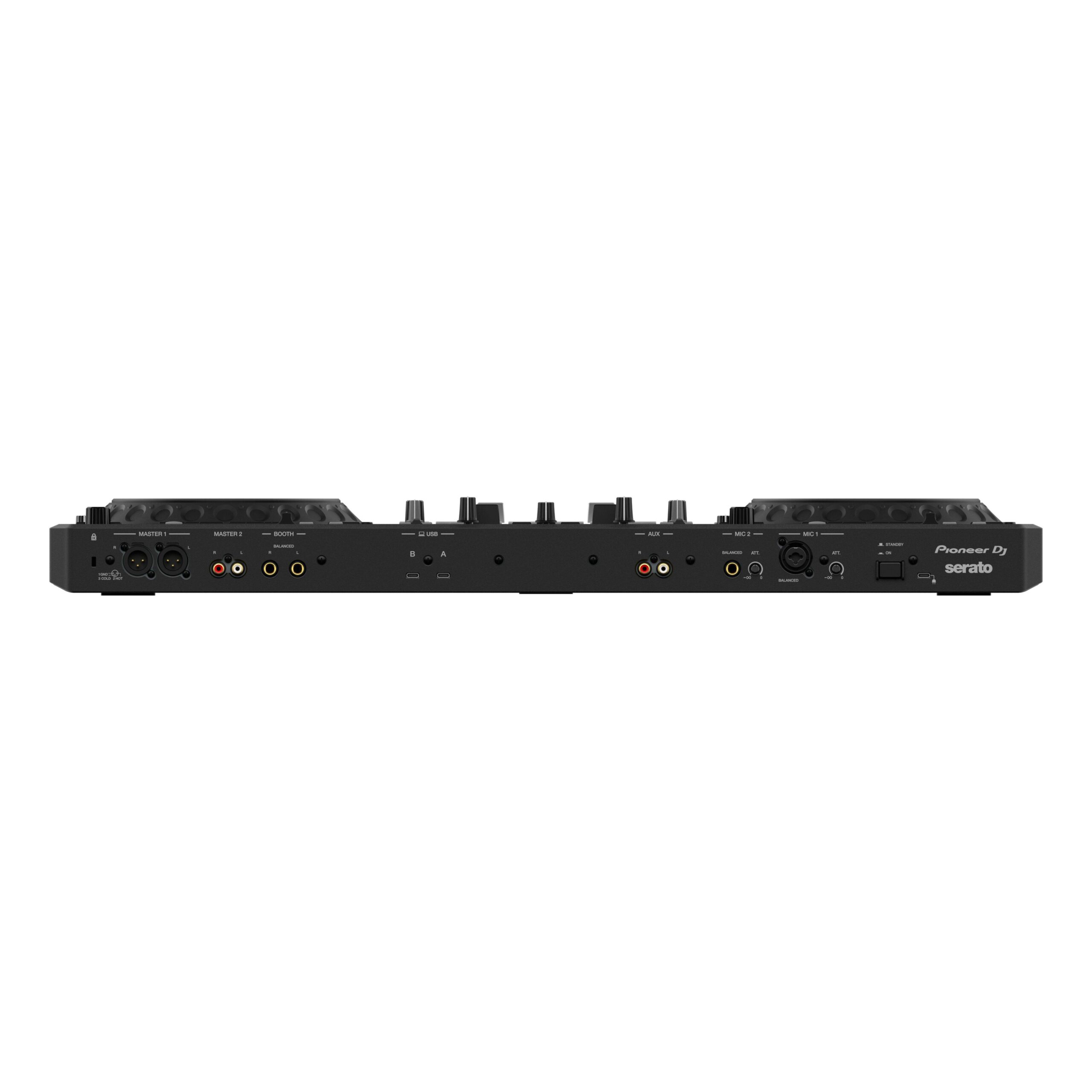
Instantly switch between DJs with dual USB-C inputs — no need to rewire or reboot. -
Professional Connections
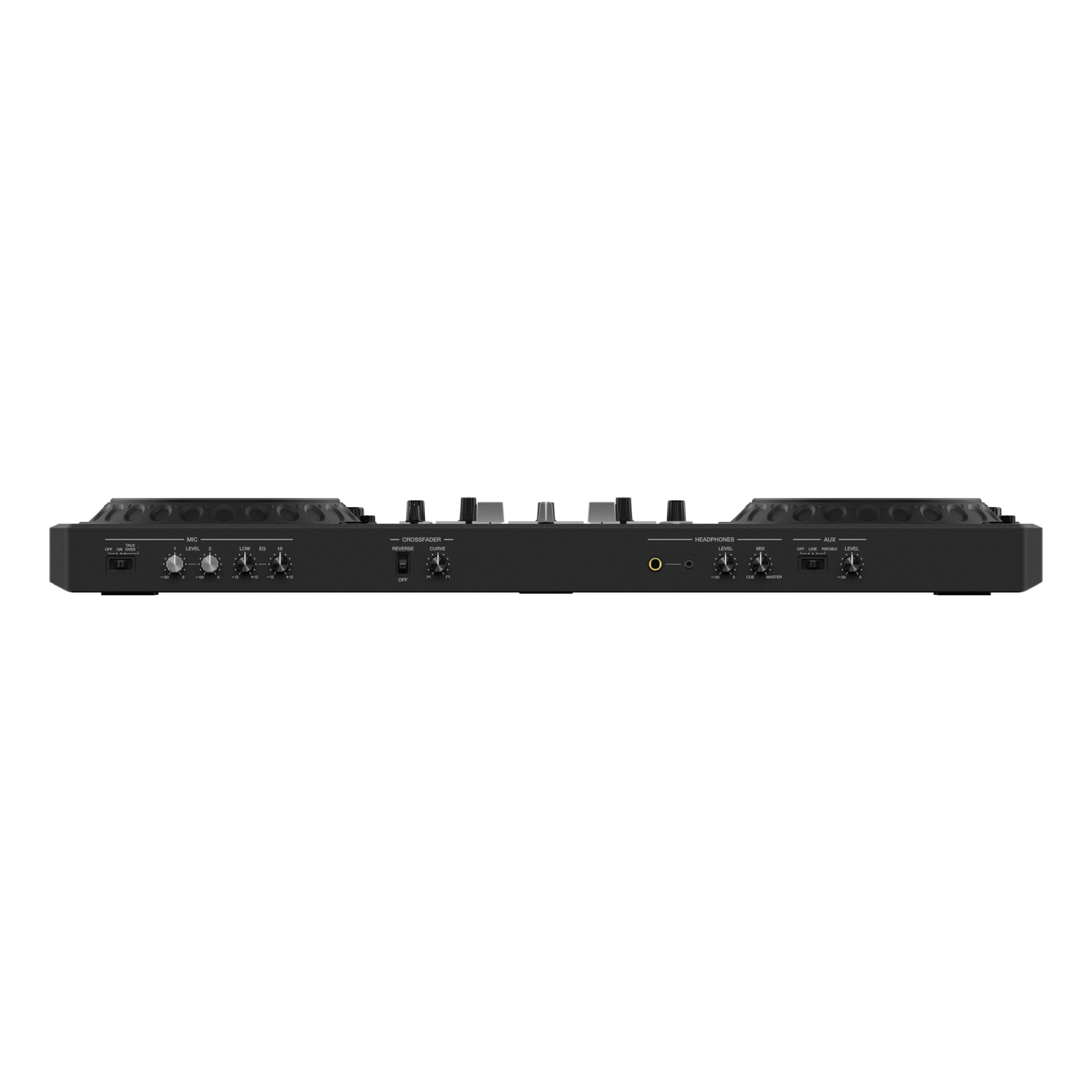
XLR Master Out, RCA Booth Out, and MIC inputs make the DDJ-REV5 ideal for club and event use. -
Serato DJ Pro & rekordbox Plug-and-Play
Free use of either software — no license needed. Includes voucher for Serato Pitch ‘n Time DJ Expansion Pack.
What’s Included:
-
DDJ-REV5 Controller
-
USB-C Cable
-
Serato Pitch ‘n Time DJ Expansion Pack Voucher
-
Quick Start Guide & Safety Instructions
Ideal for:
-
Hip-Hop / Open Format DJs
-
Battle DJs
-
Mobile and Pro Performers
The essentials
| Channels | 2 channels |
|---|---|
| Jog wheels | Large jog wheels with On Jog Display |
| Crossfader | MAGVEL FADER |
| Performance pads | 8 back-lit rubber Performance Pads |
| Special features | Stems control, Auto BPM Transition and Piano Play mode |
| Computer connections | 2 USB ports for PC/Mac DJ handovers |
| Master output | XLR master output |
| Software | Serato DJ Pro and rekordbox; no license key or subscription required by Pioneer |
| Dimensions and weight | 736 × 377.2 × 73.4 mm (W × D × H); 6.2 kg |
Dimensions and weight refer to the controller itself, not its shipping carton. Review current Serato DJ Pro or rekordbox requirements for your computer.
In the box
- Pioneer DJ DDJ-REV5 controller
- Serato Pitch ‘n Time DJ Expansion Pack voucher
A compatible PC or Mac and DJ software are required and sold separately. Confirm the local package contents for the power supply and cable inclusions.
A few things to know.
Can I use this controller without a computer?
No. The DDJ-REV5 is designed for use with a compatible PC or Mac running Serato DJ Pro or rekordbox. The DJ software is downloaded separately.
Does it work with Serato and rekordbox?
Yes. Pioneer lists Serato DJ Pro and rekordbox compatibility. The included Pitch ‘n Time DJ voucher is for a Serato expansion pack, not the main software.
Can I connect speakers or an external player?
The controller has XLR master output and a range of inputs and outputs for expanding a setup. Check the manual for the correct cable and level for your specific speakers or source.
Only logged in customers who have purchased this product may leave a review.
You may also like…


Related Products


Reviews
There are no reviews yet.