


Hercules DJControl T10
Brand :
In stock
12-month warranty · Silent Noise support
Covers defects in materials and workmanship. Normal wear, accidental or liquid damage, and misuse are not covered.
Need help? Send your order number, product name and a description of the issue to our team.
Get product or warranty help Coverage detailsHow it works
Select BillEase as your payment method at checkout, then review your available plan and total repayment amount before confirming.
Expert advice for your setup
Need help choosing? Tell us what you want to do and what you already use. Our team can help you find the right product, check compatibility and choose the accessories you actually need.
Talk to the Silent Noise team → (opens Facebook in a new tab)MOTORIZED DJ CONTROLLER
Scratch bigger. Shape the vocal. Keep the track moving.
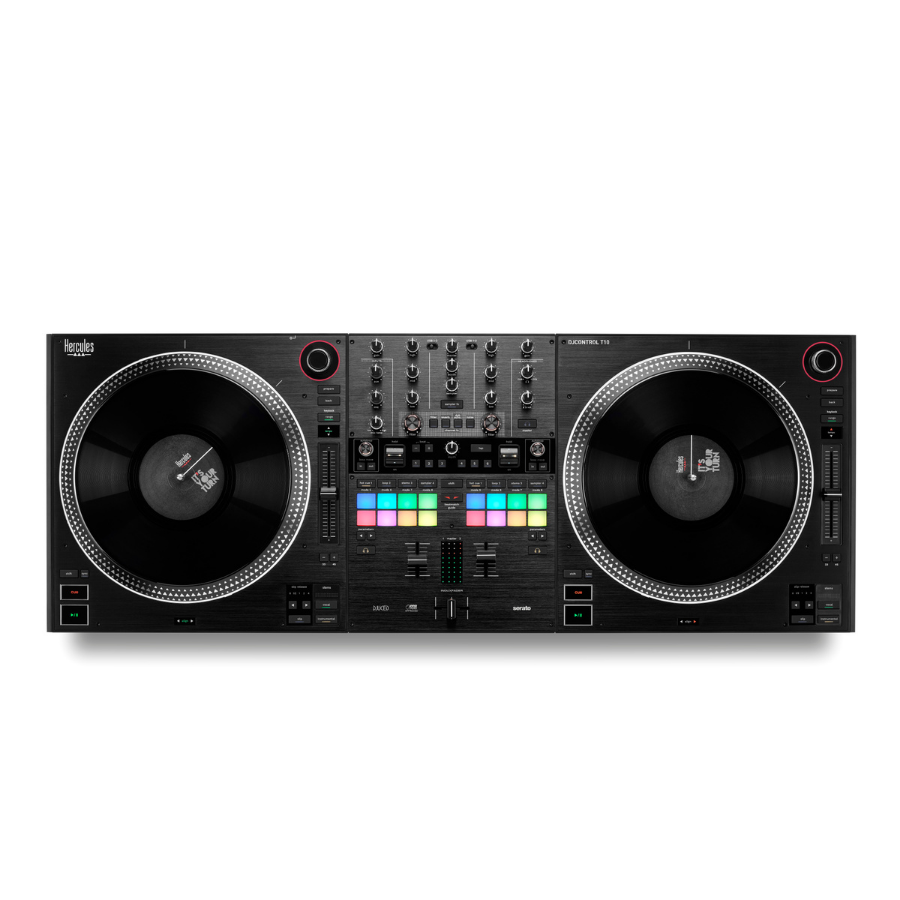
A motorized DJ controller for PC or Mac, with 10-inch vinyl platters, a battle-style mixer and an adjustable contactless crossfader. Built for scratch routines, live edits and DJs who want more hands-on performance control.
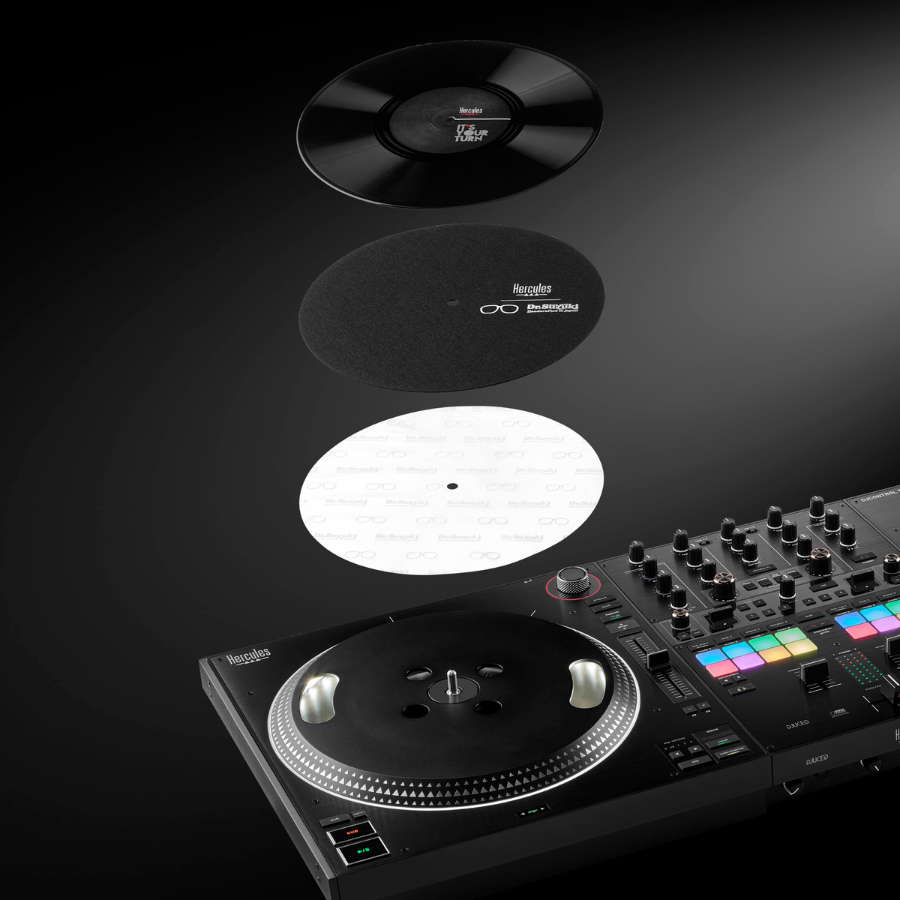
Includes Pitch ’n Time DJ, Dr. Suzuki slipmats and slipsheets, vinyl discs, USB-C cable and power supply. No separate Serato DJ Pro purchase is needed to use T10 with a compatible computer.
Compatible computer and mains power required. Headphones, speakers and carry case are separate.
2 in stock
Optional extras
A USB-C cable and pro software are included. Add headphones or monitors as needed; buy a case only when T10 fit is confirmed.


Delivery calculated at checkout.
Questions? Contact us on Facebook (opens Facebook in a new tab)WHY STEP UP TO T10
More room to scratch. More control over the performance.
T10 combines large spinning platters, an adjustable crossfader and software tools for reshaping songs live. Choose it when scratching, Stems and performance routines are the reason you want a controller—not simply to play one song after another.
A bigger playing surface
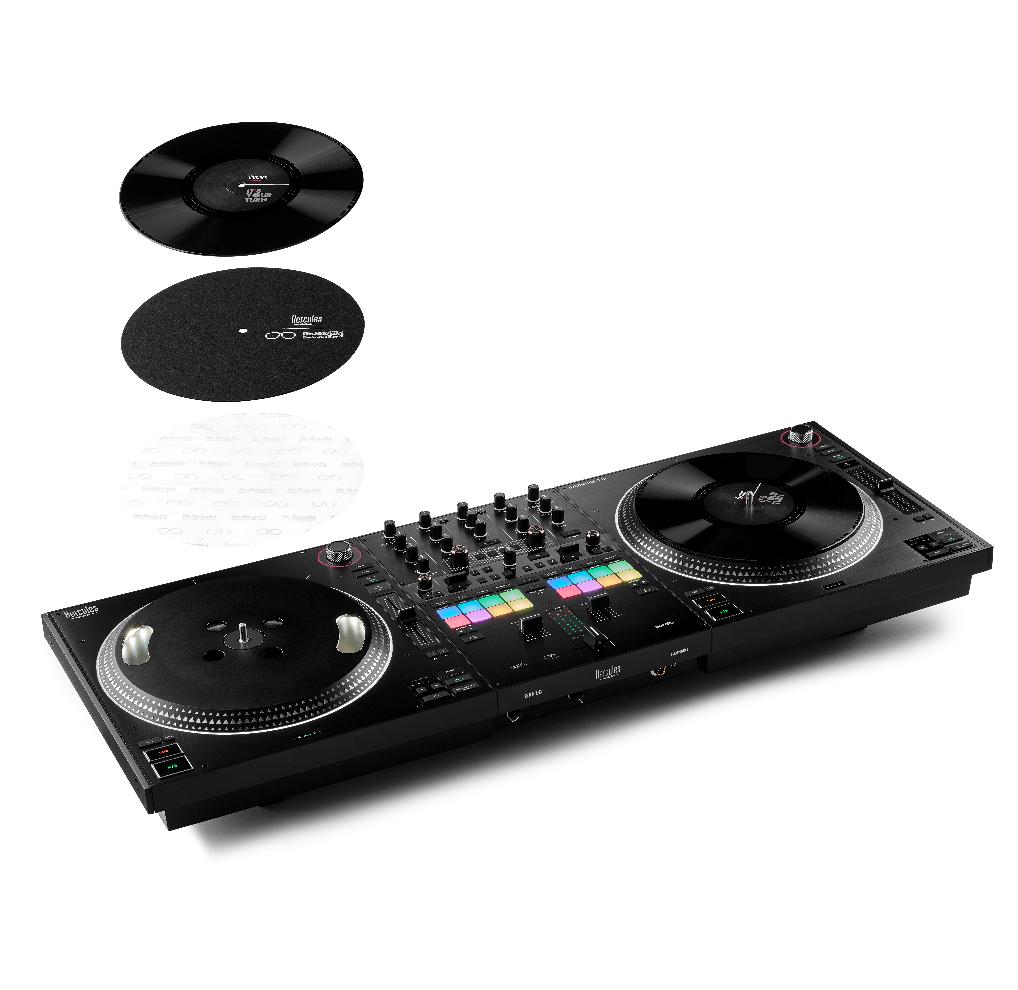
10-inch motorized vinyl platters with Dr. Suzuki slipmats and slipsheets.
Tune the feel
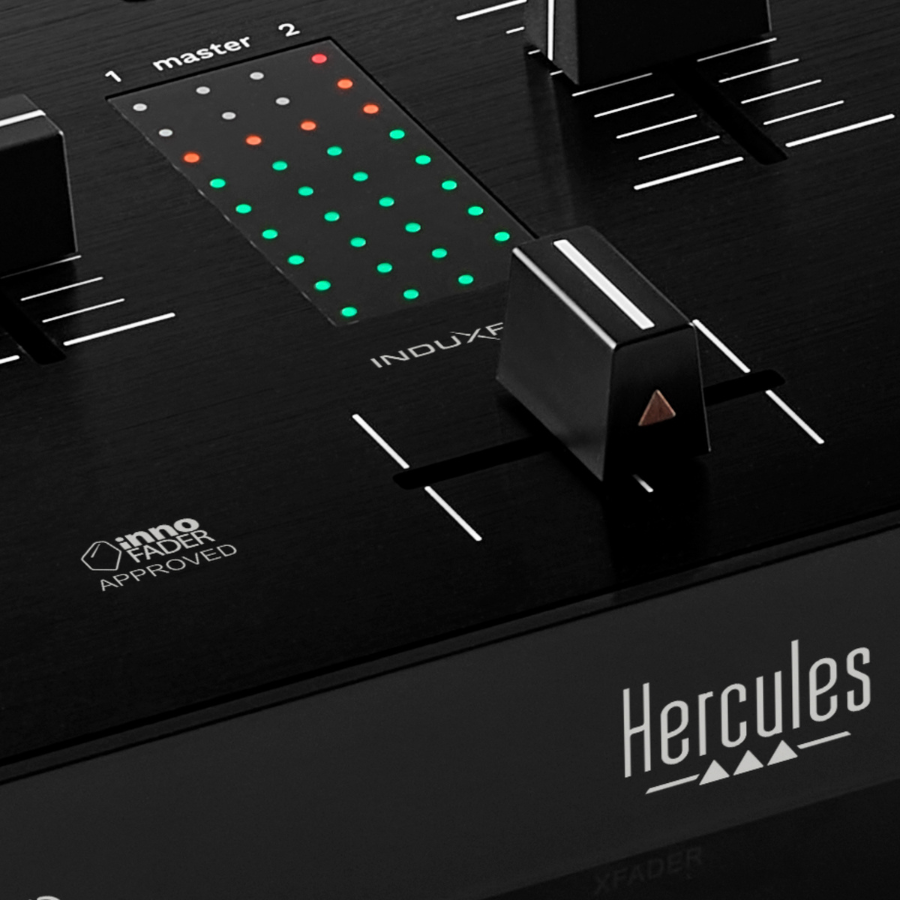
Adjust crossfader weight, curve and cut-in response from the front panel.
Pro software in the purchase
Serato DJ Pro, Pitch ’n Time DJ and DJUCED PRO are included.
ADJUSTABLE CROSSFADER
Set how light—and how quickly—the fader responds.
The Innofader-approved InduXfader uses contactless sensing. Adjust how light or heavy it feels, how soon sound opens as you move it, and how sharply it cuts. Set it for smooth blends or fast scratch cuts using the front-panel controls.
Watch DJ DamnDanny on the T10.
A 41-second scratch performance on the Hercules DJControl T10.
Performance by DJ DamnDanny. From Silent Noise’s YouTube channel. Video loads only when you press play.
STEMS AND PERFORMANCE
Scratch a vocal. Let it return in time.
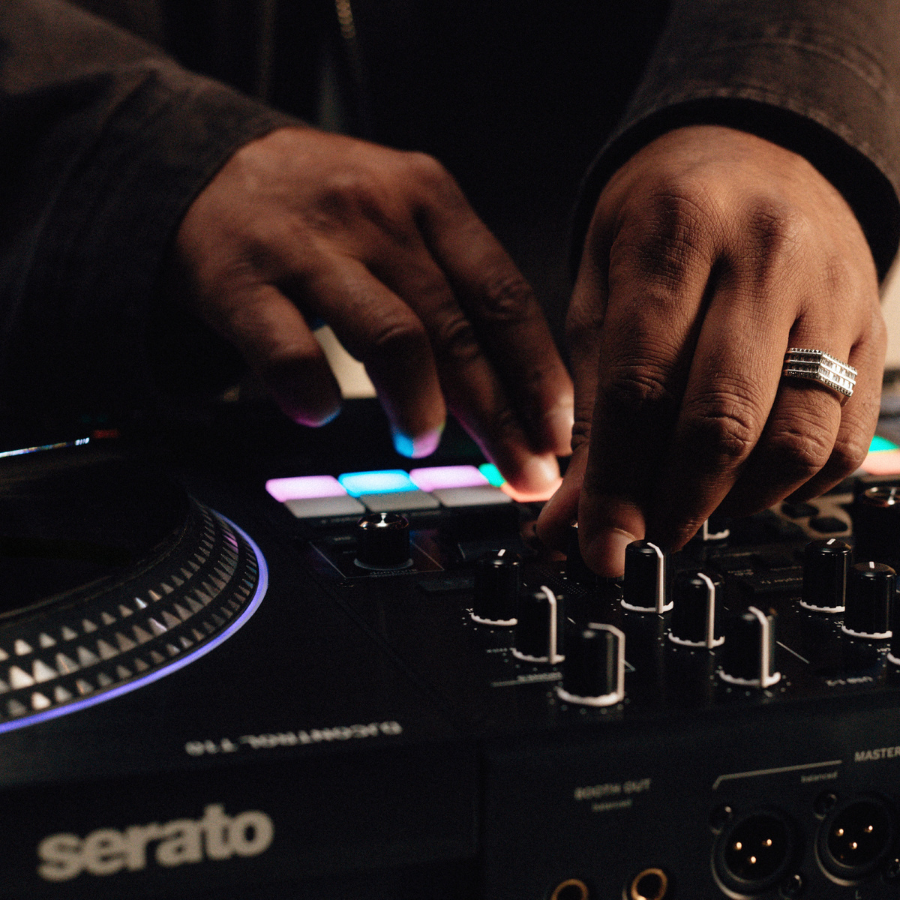
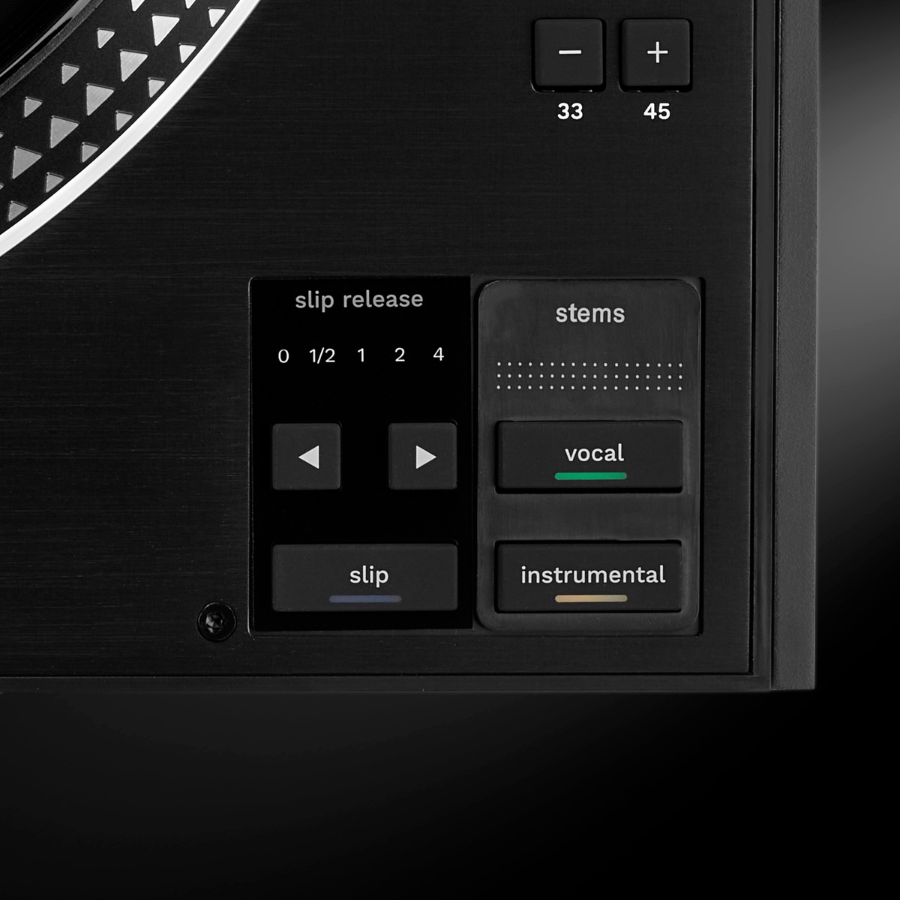
Stems separate vocals and instruments in supported software. With Serato Stem Slip, work on a part of the track while its timeline continues underneath, then return that part to the playback position. Dedicated buttons, pads and FX paddles keep these tools close to your hands.
CONNECT FOR A SET
Hear your booth. Hand over to the next DJ.
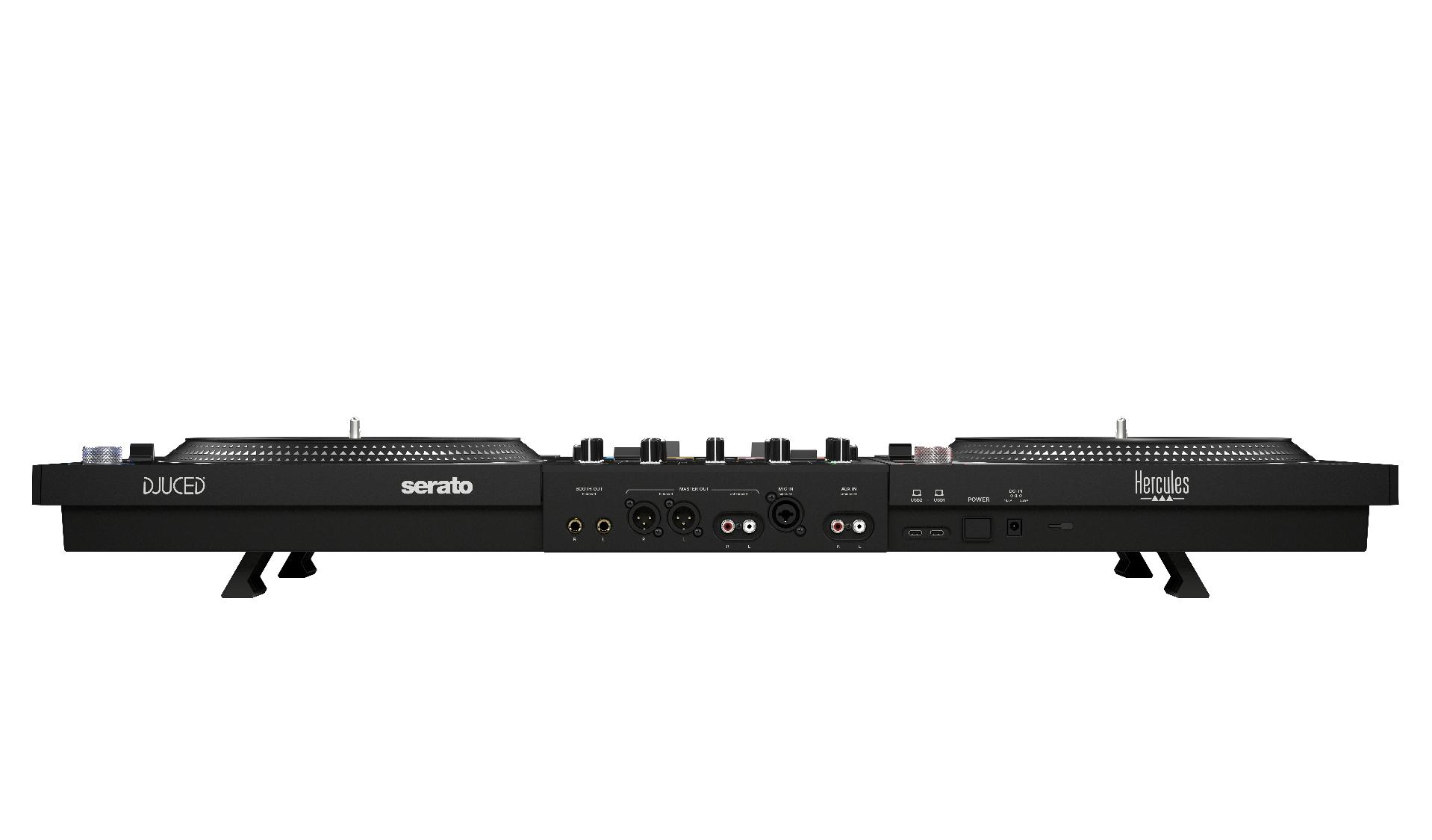
Use the main outputs for the audience system and the separate booth output for your own monitor speakers. The 2 USB-C computer ports let the next DJ connect a laptop before the handover. Set up and test both computers before switching a deck’s source.
The essentials
| Controller | 2 decks · motorized 10-inch platters |
|---|---|
| Performance pads | 16 RGB pads |
| Master outputs | XLR · RCA |
| Booth output | Balanced 6.35 mm |
| Headphone outputs | 3.5 mm · 6.35 mm |
| Mic input | XLR / 6.35 mm combo |
| AUX input | RCA |
| Computer connections | 2 USB-C ports |
| Product weight | 7.3 kg |
| Controller dimensions (W × D × H) | 95 × 35.3 × 9.5 cm · feet folded |
Product measurements refer to the equipment, not the shipping package.
In the box
- DJControl T10
- Power supply and power cables
- USB-C cable
- Vinyl discs, slipmats and slip sheets
- Serato DJ Pro, Pitch ’n Time and DJUCED PRO
- Quick start guide
Compatible computer and mains power required. Headphones, speakers and carry case are separate.
A few things to know.
What else do I need for a complete setup?
A compatible Windows PC or Mac, music, wired headphones and mains power. Add powered speakers or a PA system with matching cables to play for an audience. The USB-C cable and power supply are included; confirm the cable matches your computer socket.
What am I paying more for compared with T7?
T10 adds larger 10-inch motorized platters, a battle-style layout, an adjustable contactless InduXfader, dual USB-C computer connections, a separate booth output and included Serato DJ Pro/DJUCED PRO. Choose these for the way you perform; T7 remains a smaller motorized option.
Do I need a separate Serato DJ Pro subscription?
No separate Serato DJ Pro purchase is needed to use T10 with a compatible computer: the hardware unlocks it when connected. Pitch ’n Time DJ and DJUCED PRO are also included; follow their activation instructions. Music, paid streaming services and other optional expansions are separate.
What does Stem Slip actually do?
It lets you work creatively on a separated part of a song and return it to the playback timeline. For example, use it for a vocal scratch or temporary edit while keeping the performance moving. It requires supported Serato software and a computer capable of handling Stems.
Does it play from a USB stick or play vinyl records?
No. T10 is not a standalone USB music player or a record player. Its platters and vinyl discs control DJ software. The computer-based setup described here uses a compatible PC or Mac; check the software developer’s current requirements for other supported setups.
Is this a sensible first controller?
It can be learned from scratch, but it makes most sense if motorized platters and scratch performance are your goal. For learning straightforward transitions with a smaller budget, Inpulse 500 is easier to start with.
Is a carry case included?
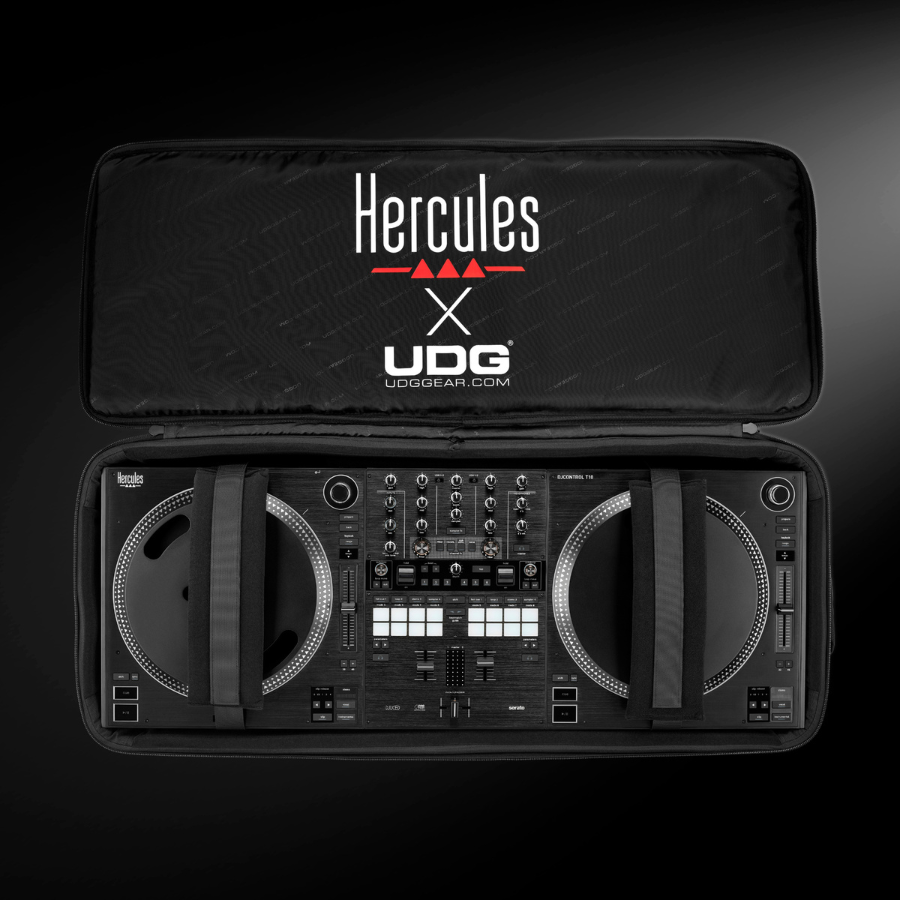
No. Do not assume a T7 case will fit T10. Choose a case only when its manufacturer explicitly confirms T10 compatibility.
Only logged in customers who have purchased this product may leave a review.
Related Products


Reviews
There are no reviews yet.